Table of Contents
安裝redhat-server7.9
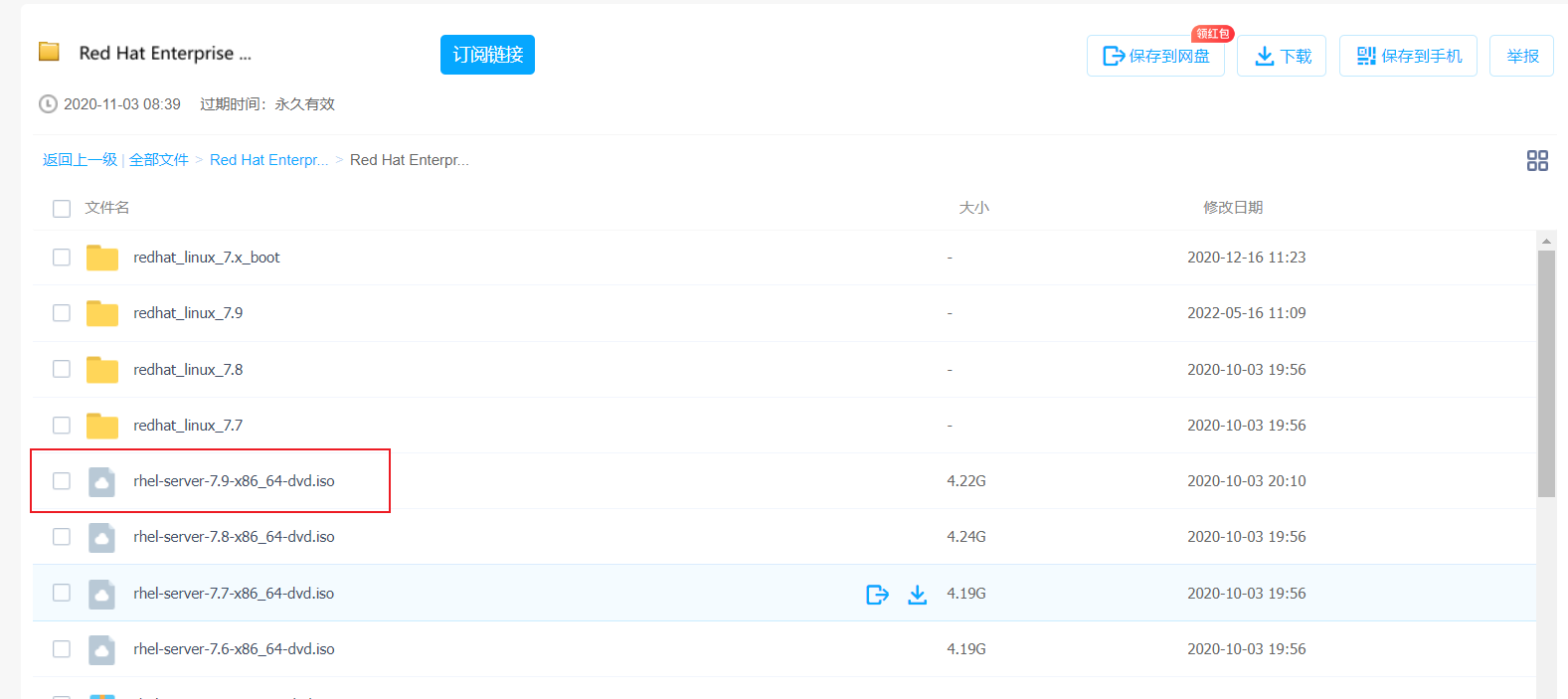
下載鏡像
https://pan.baidu.com/s/1eSYuljc2Bt9OXZmWdZQ96A? 提取碼: cqfu
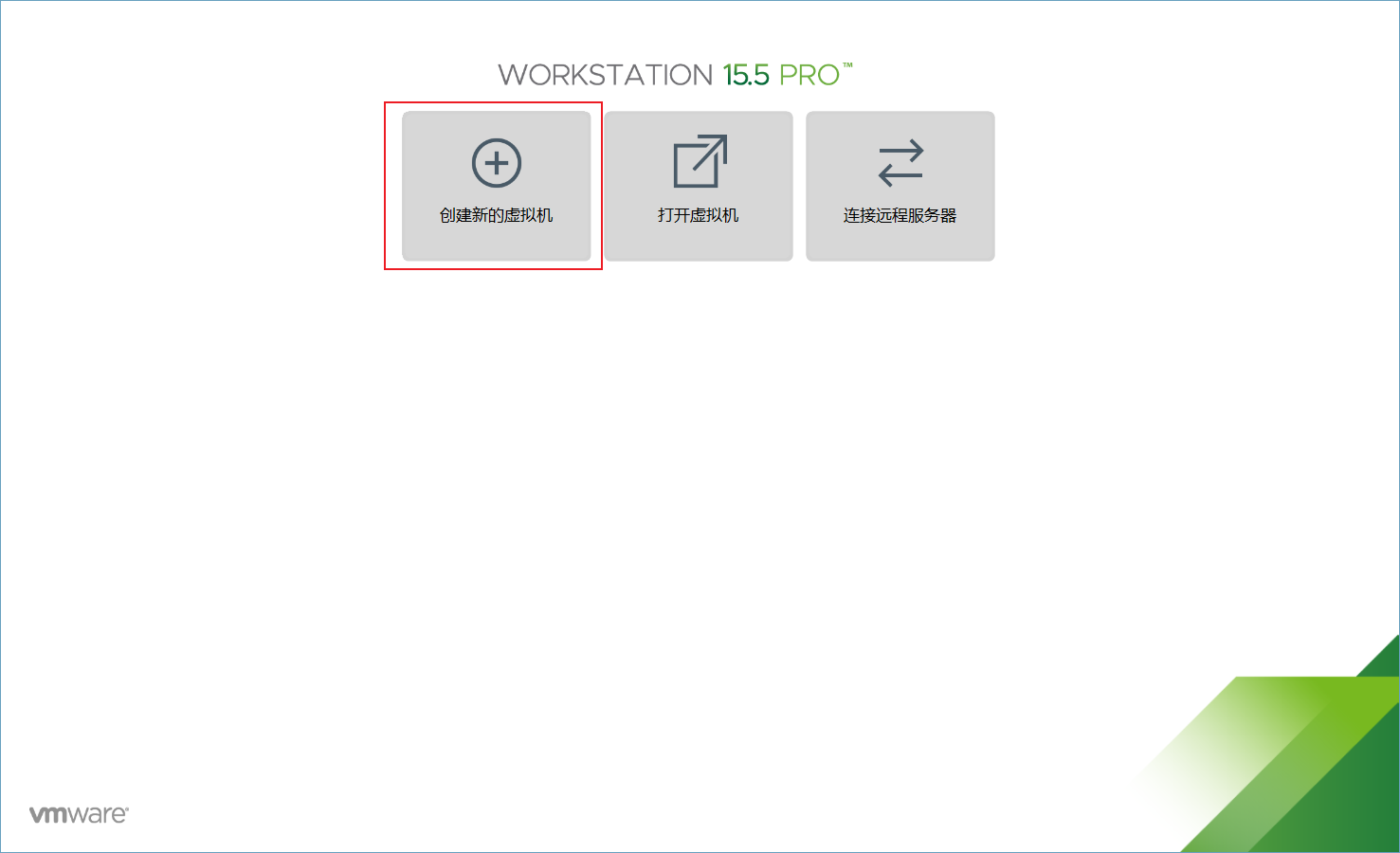
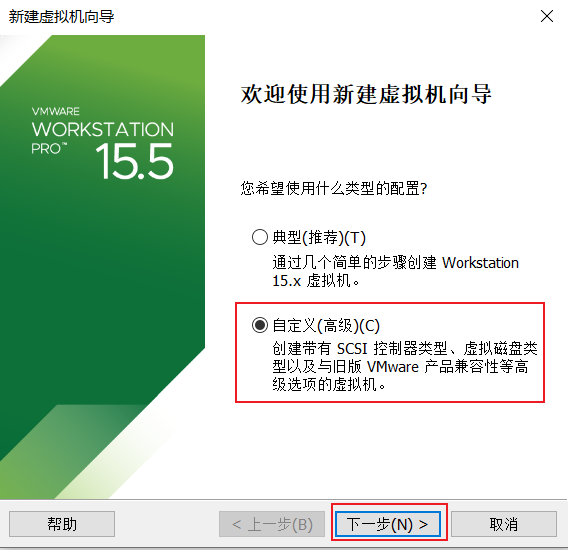
配置虛擬機
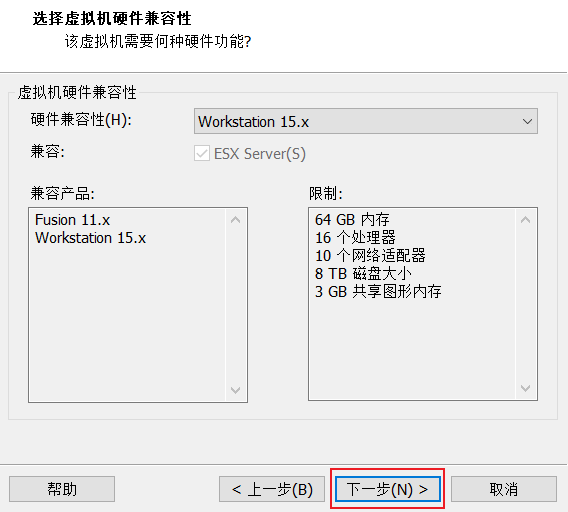
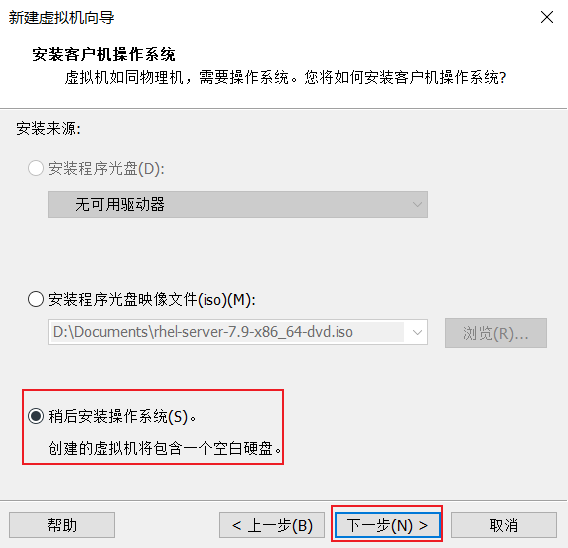
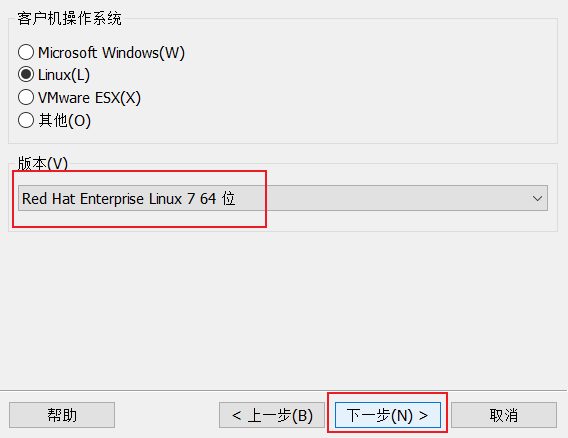
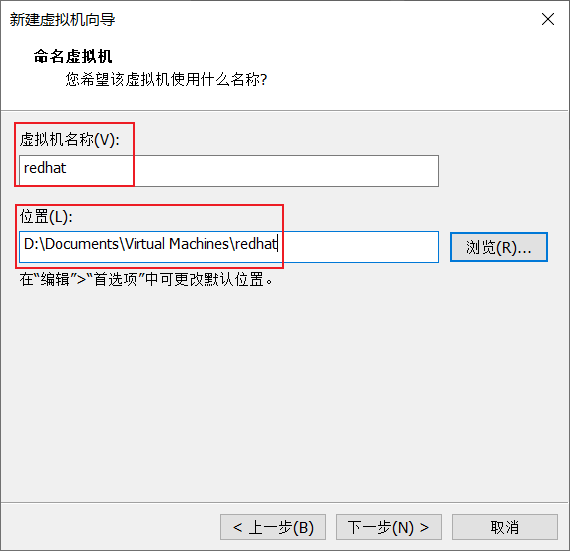
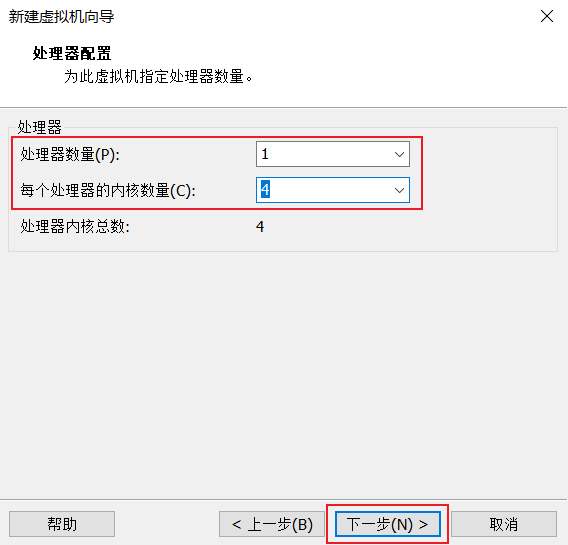
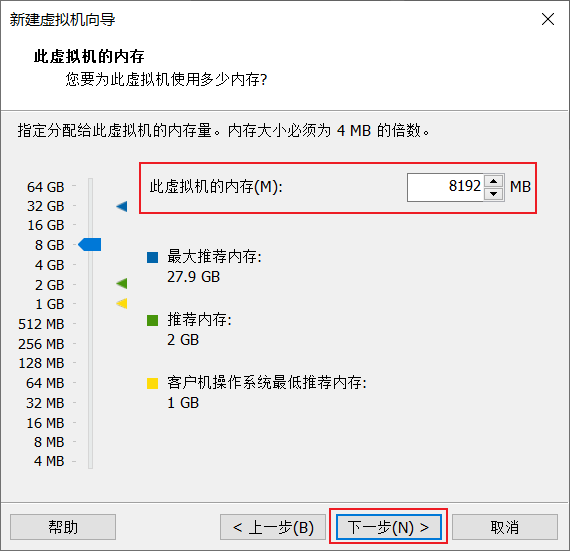
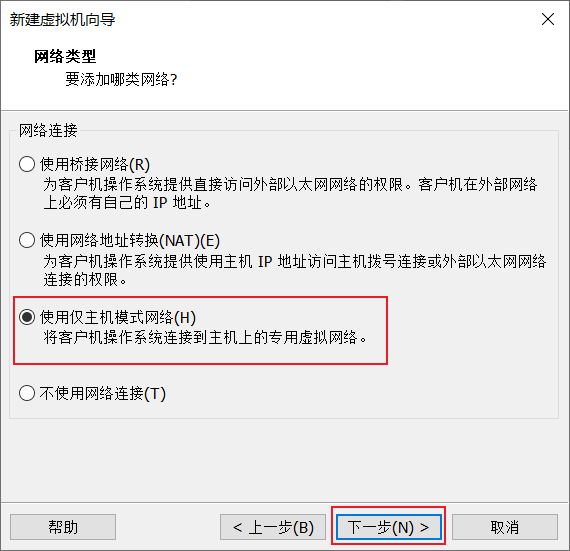
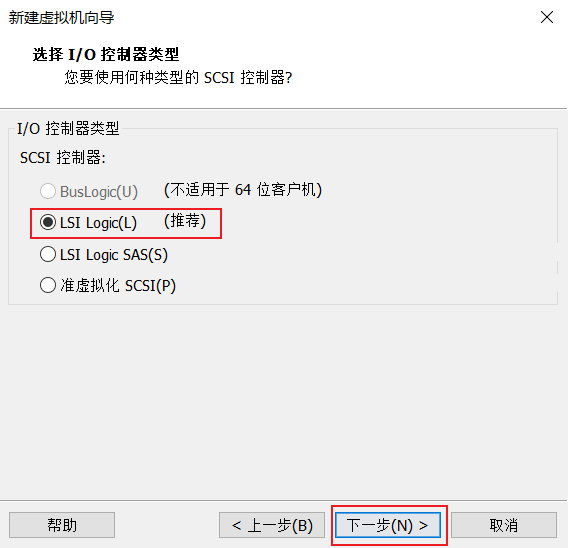
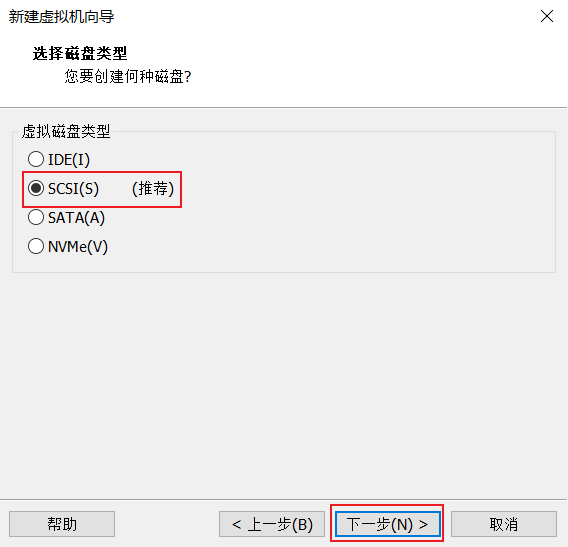
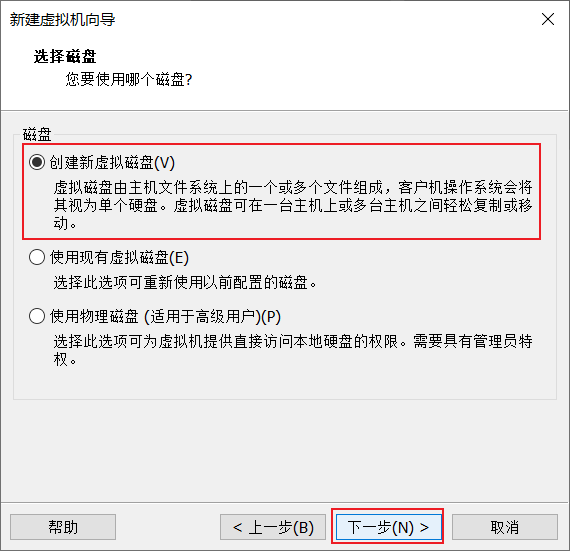
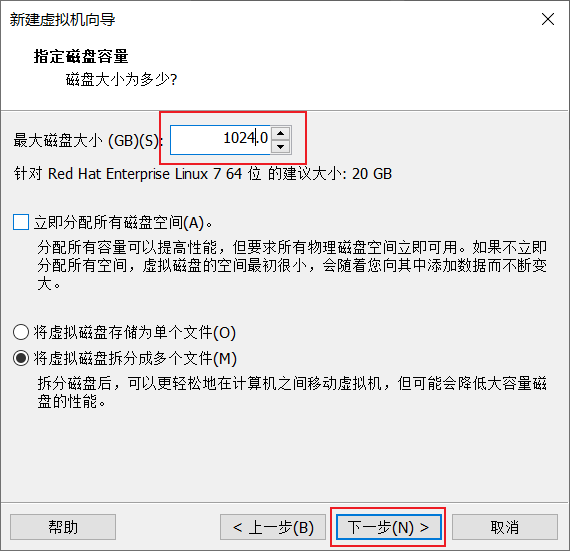
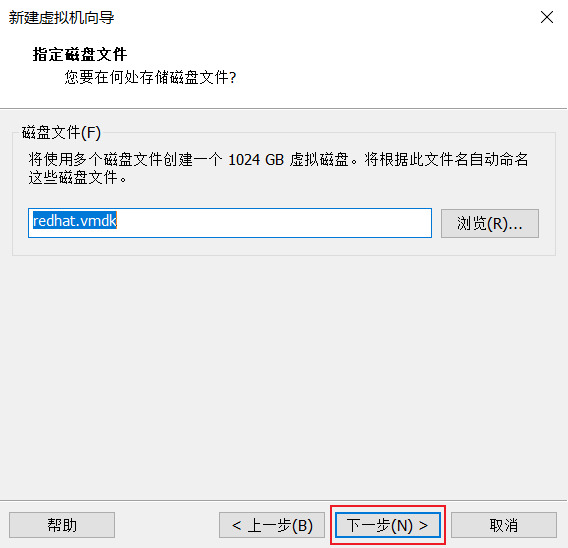
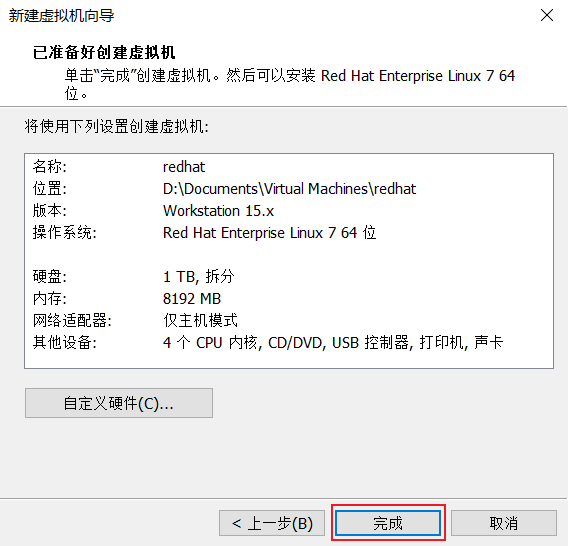
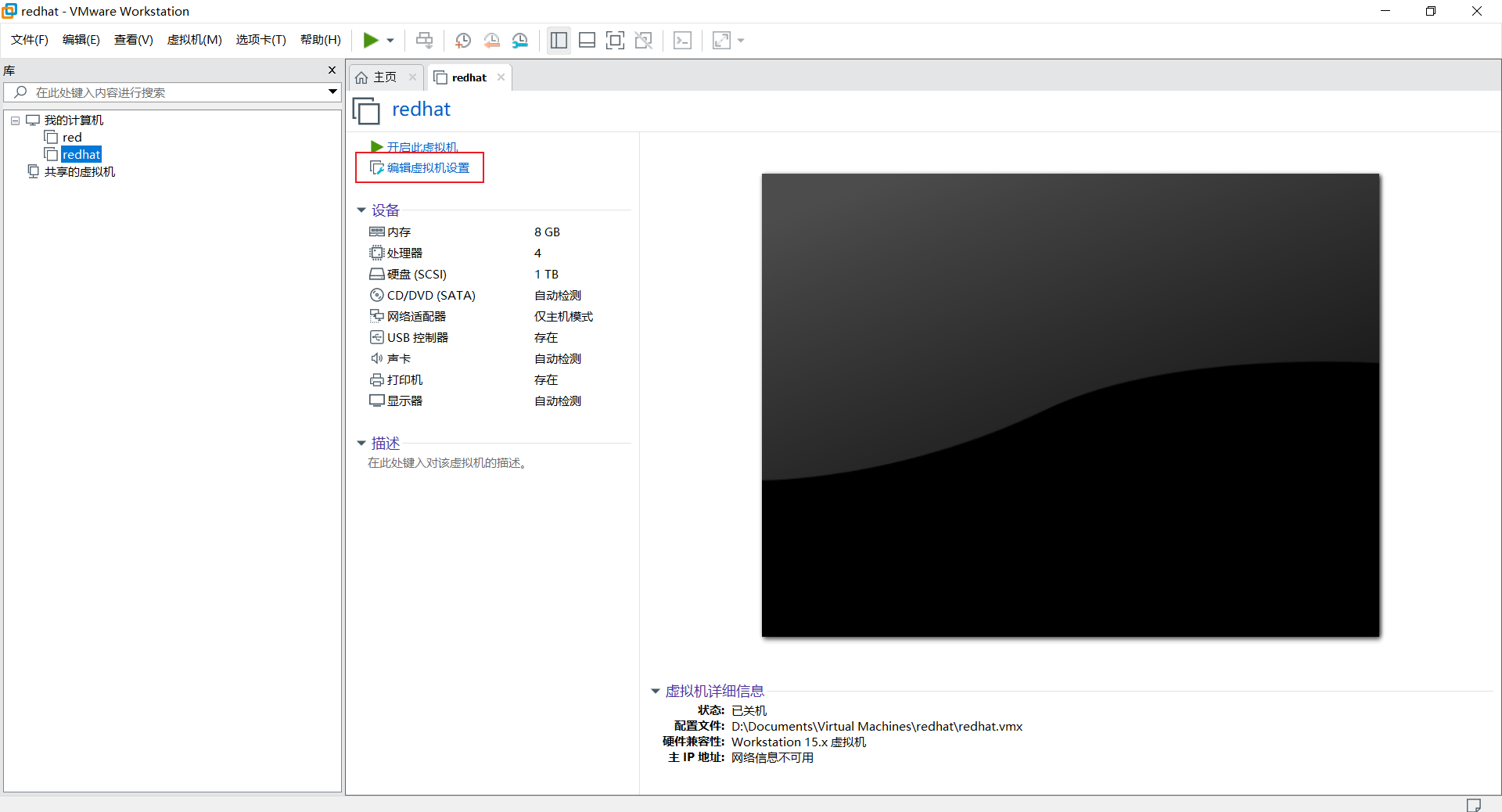
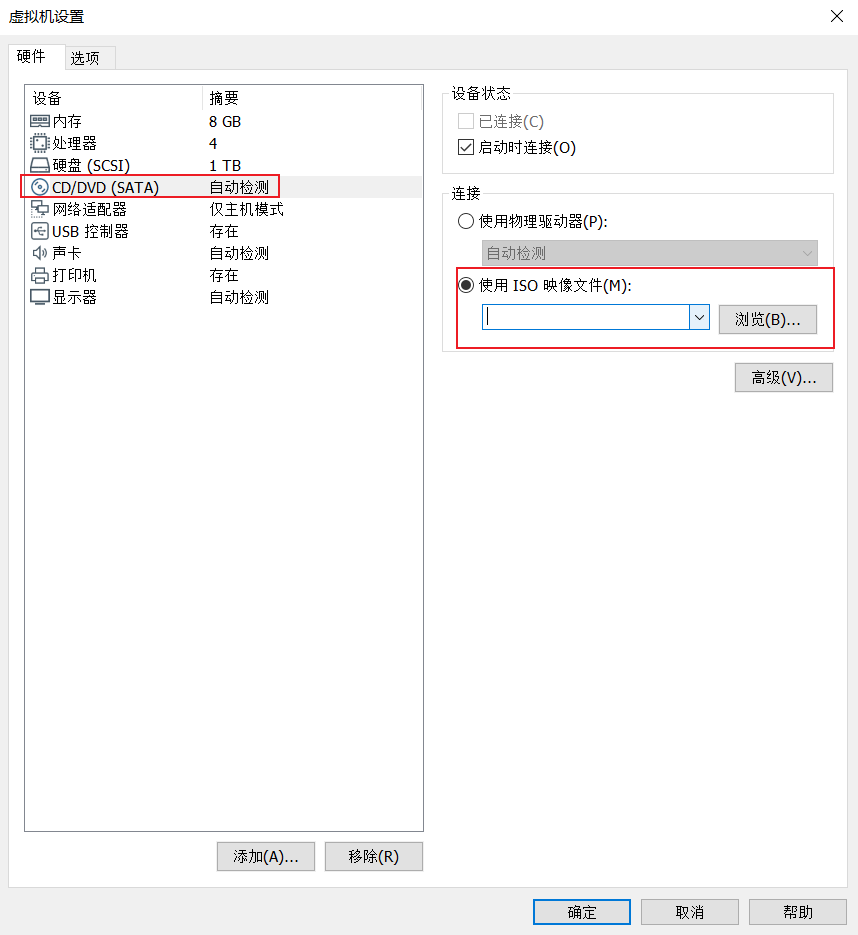
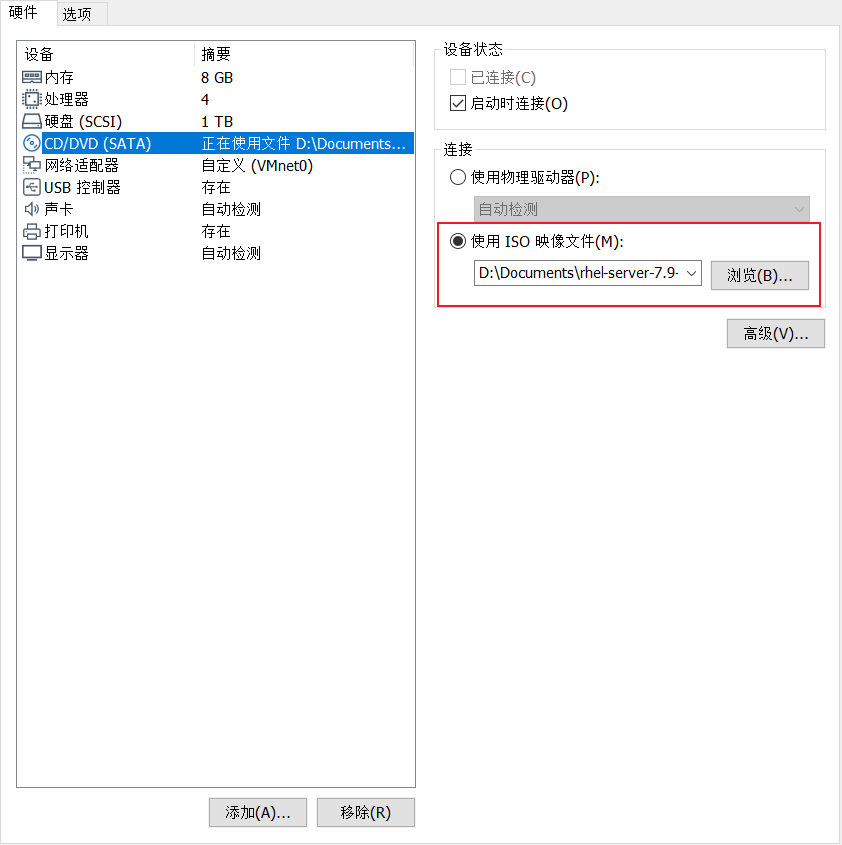
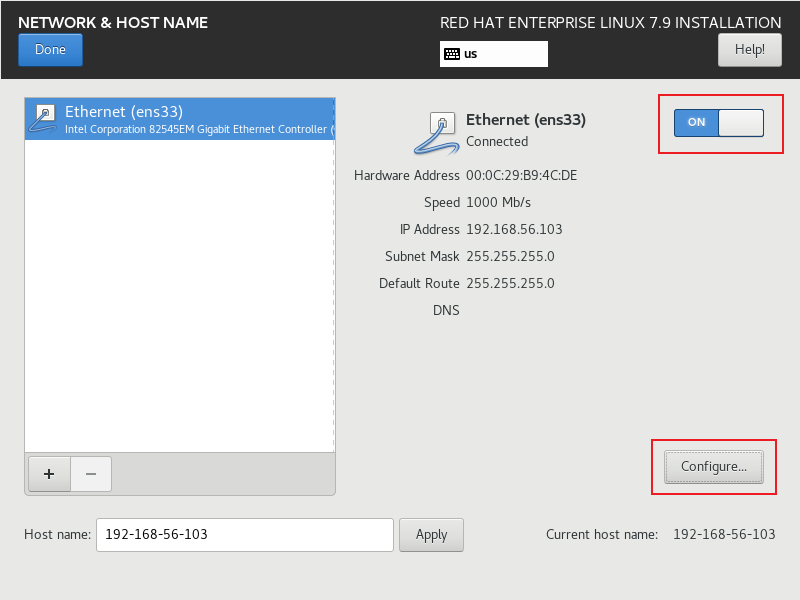
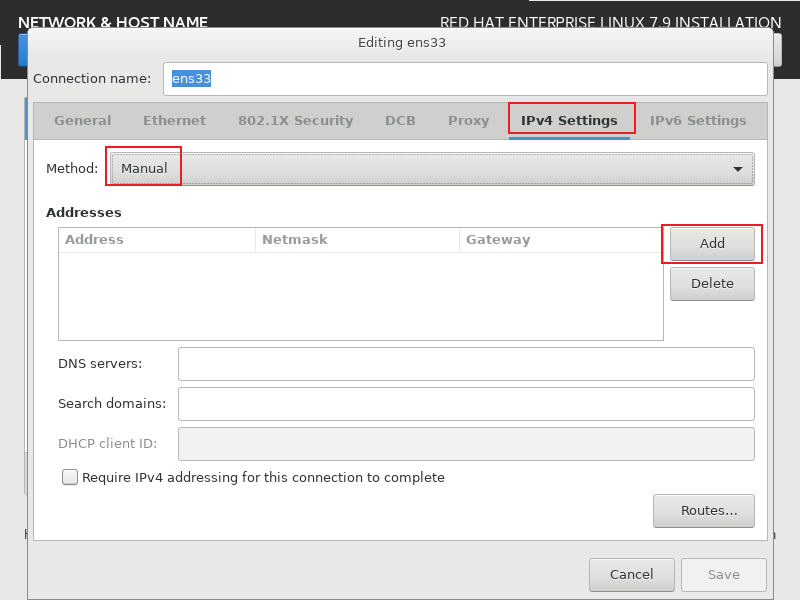
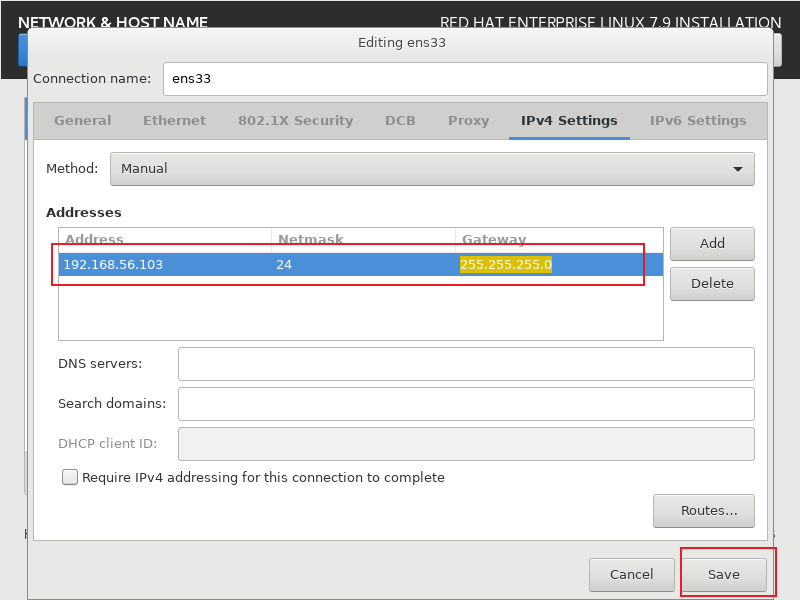
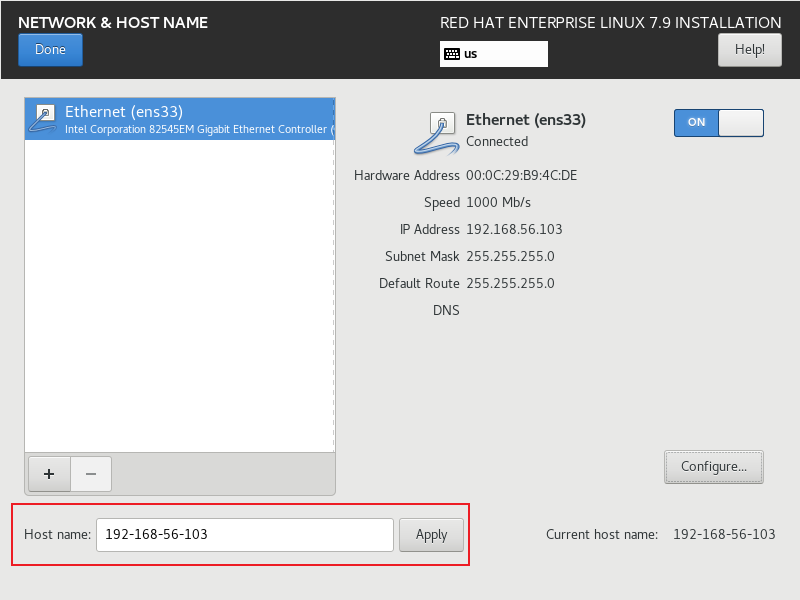
選擇配置的虛擬網卡:
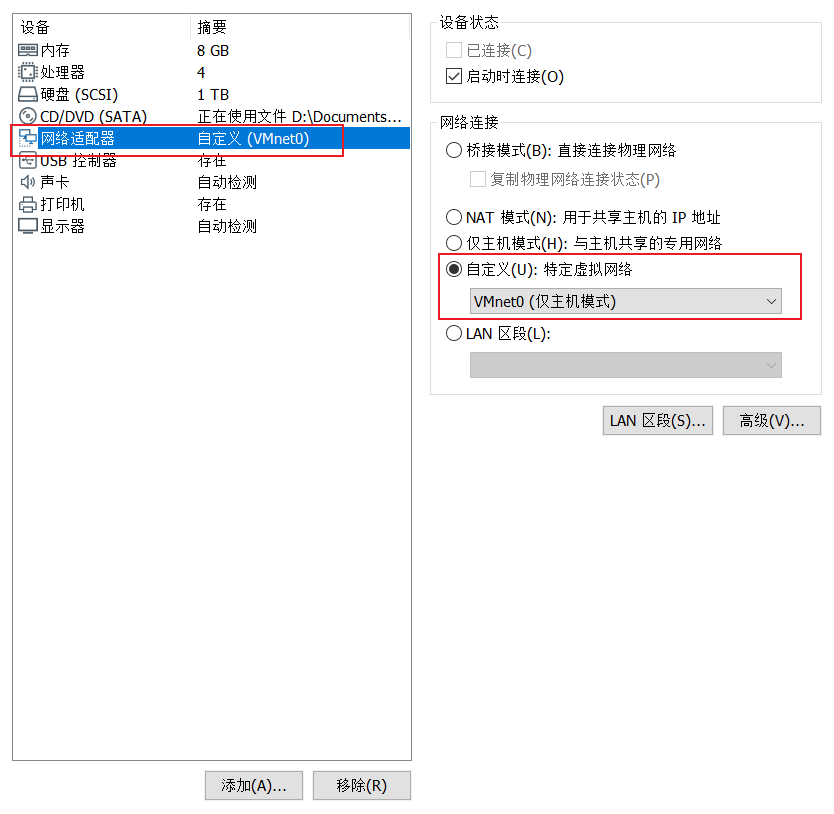
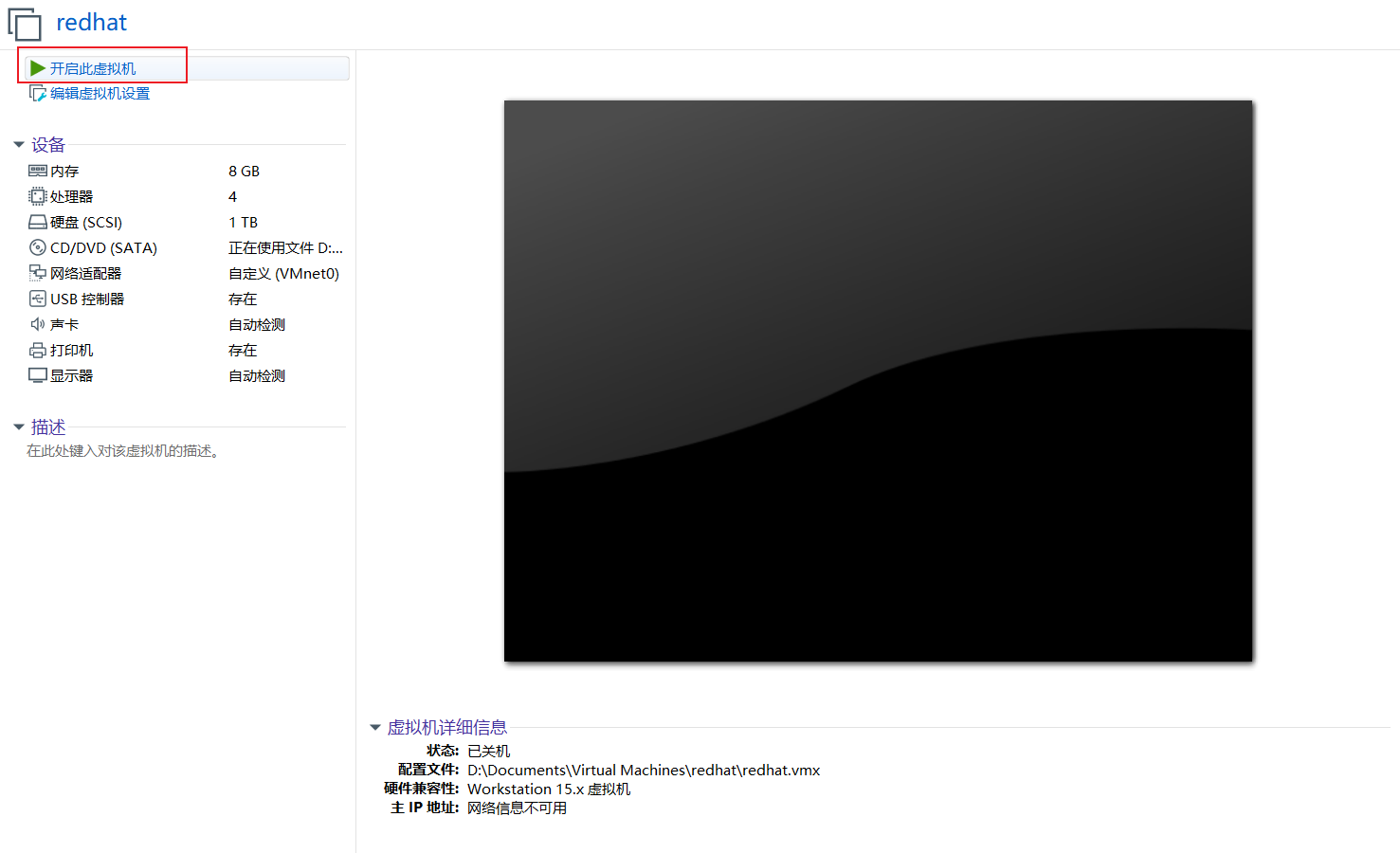
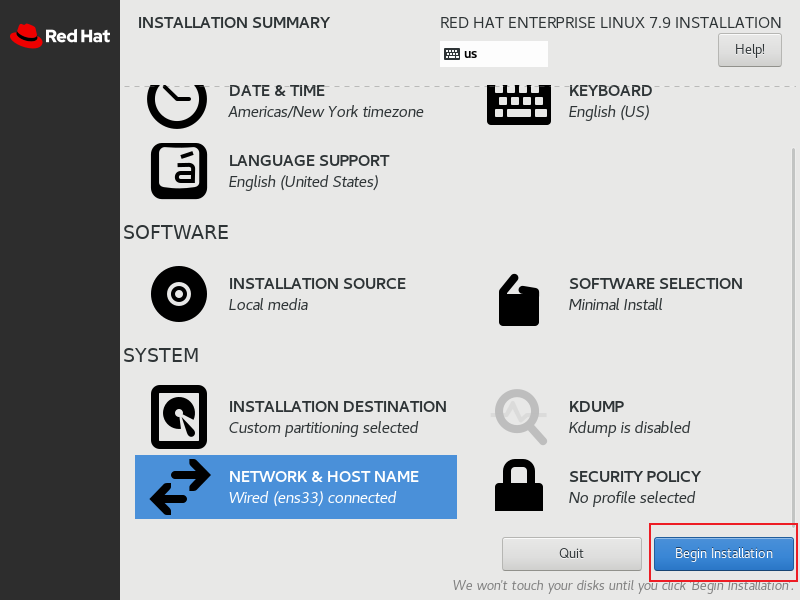
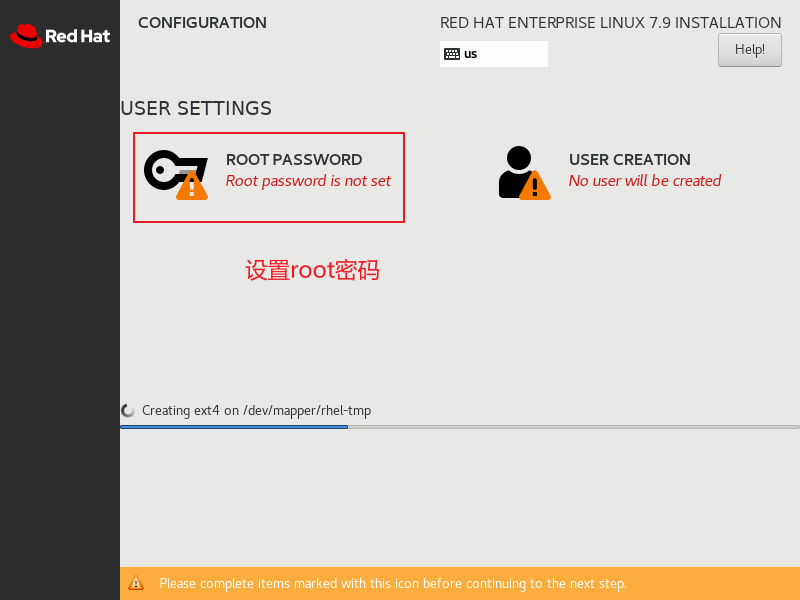
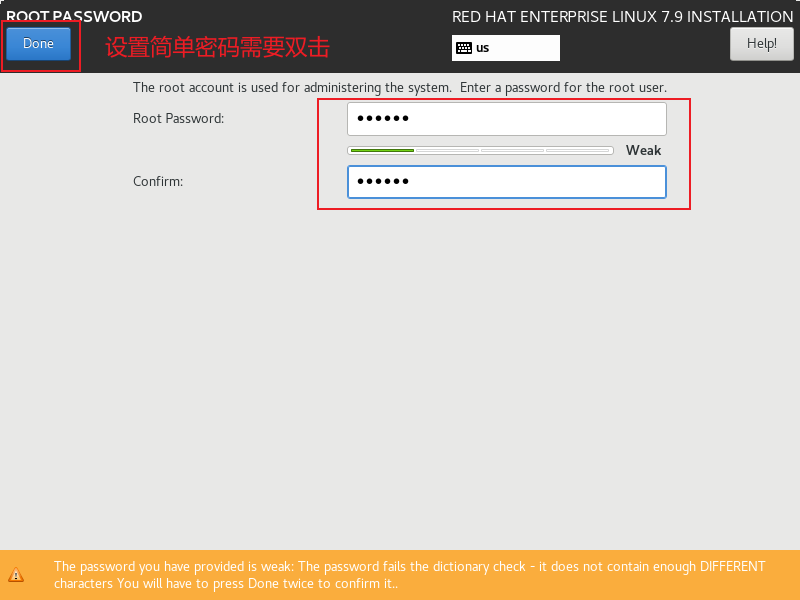
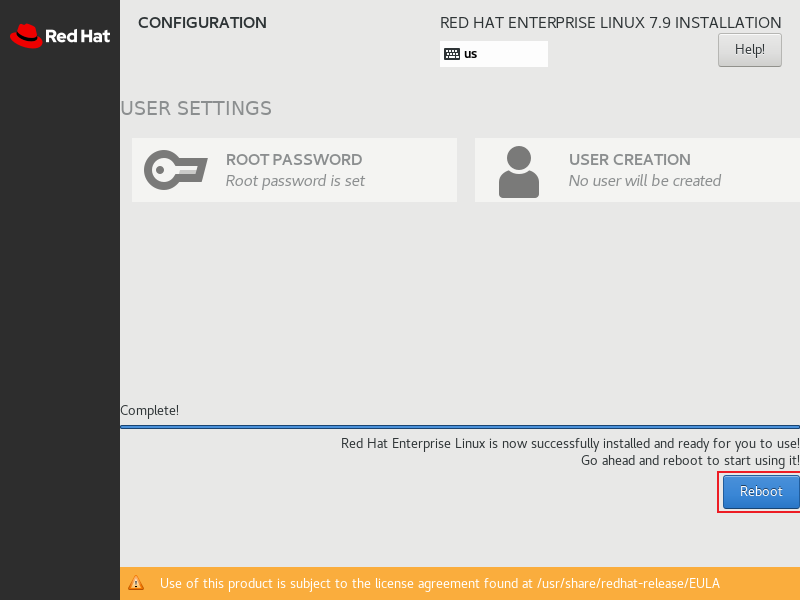
安裝操作系統
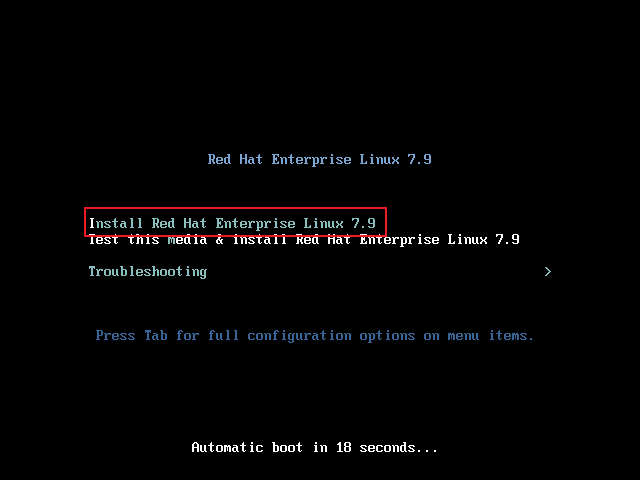
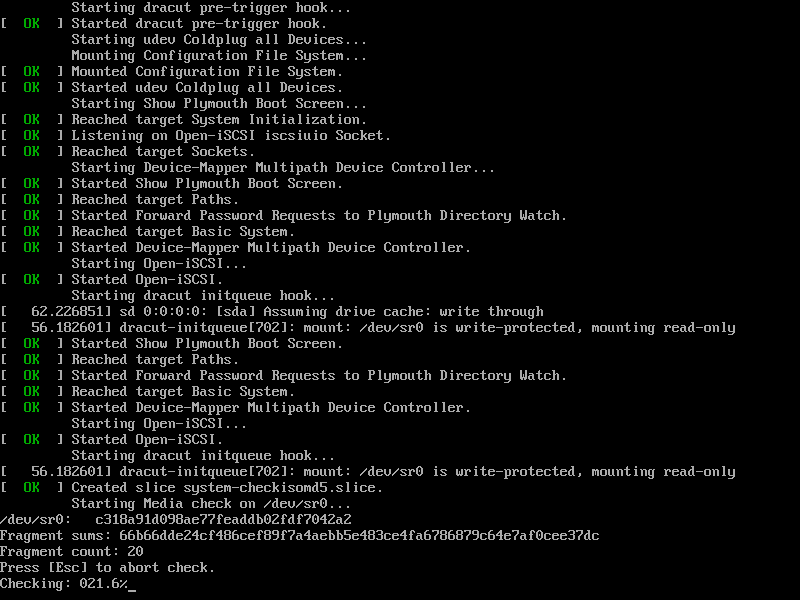
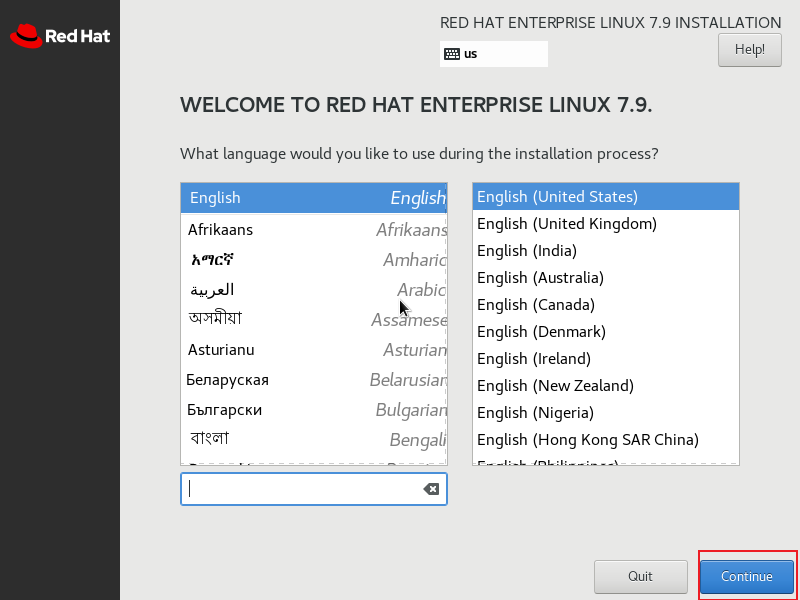
選擇系統語言:
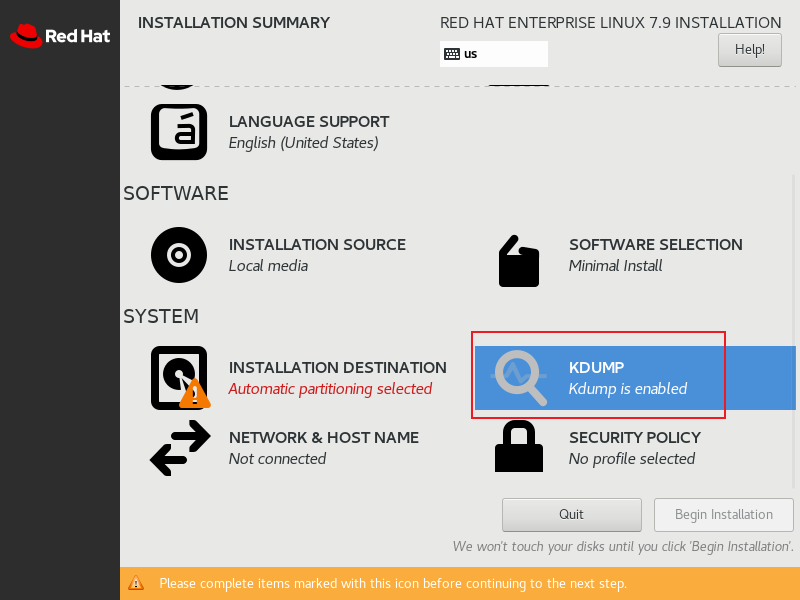
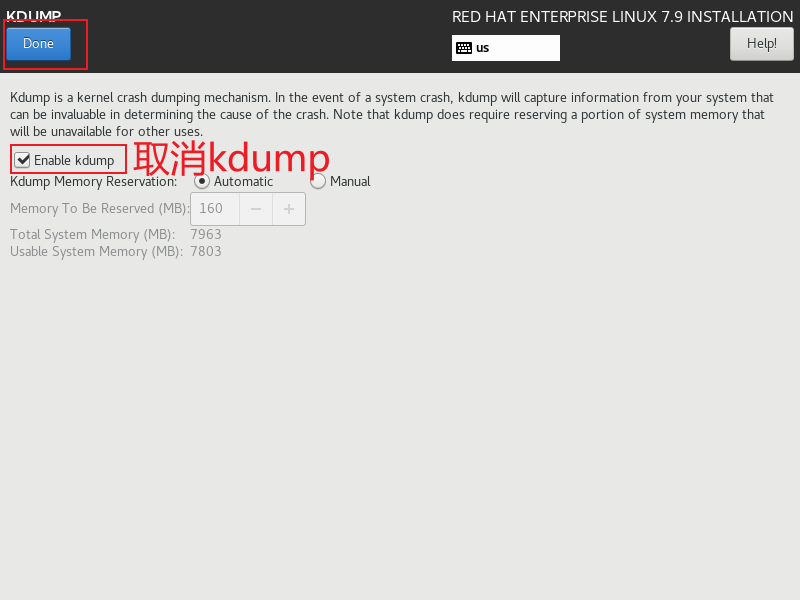
關閉KDump:
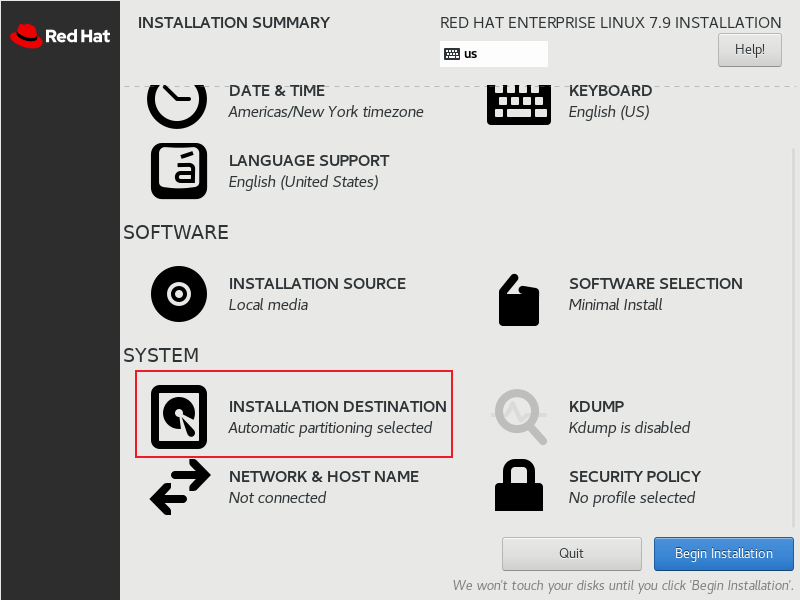
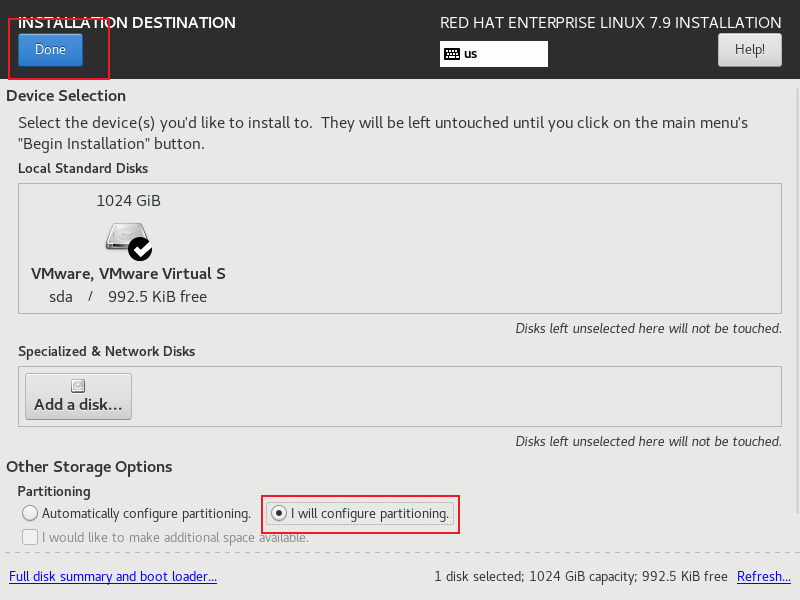
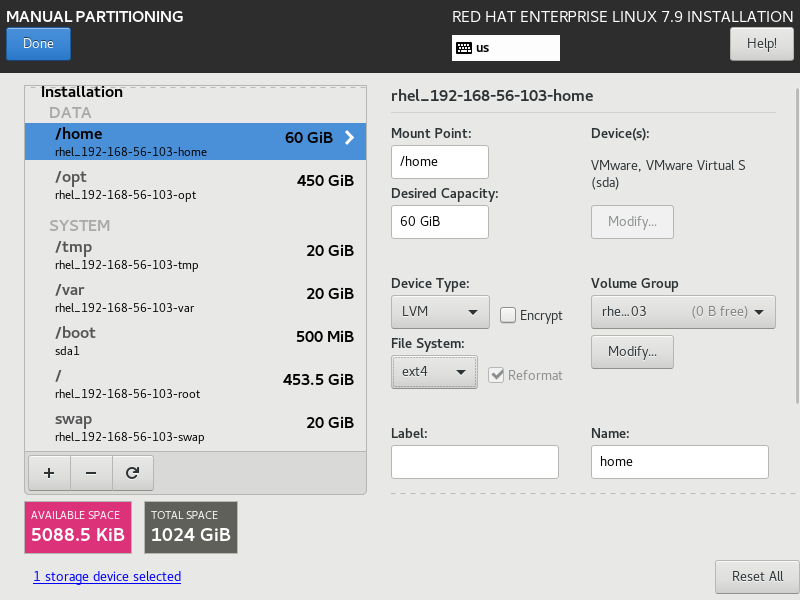
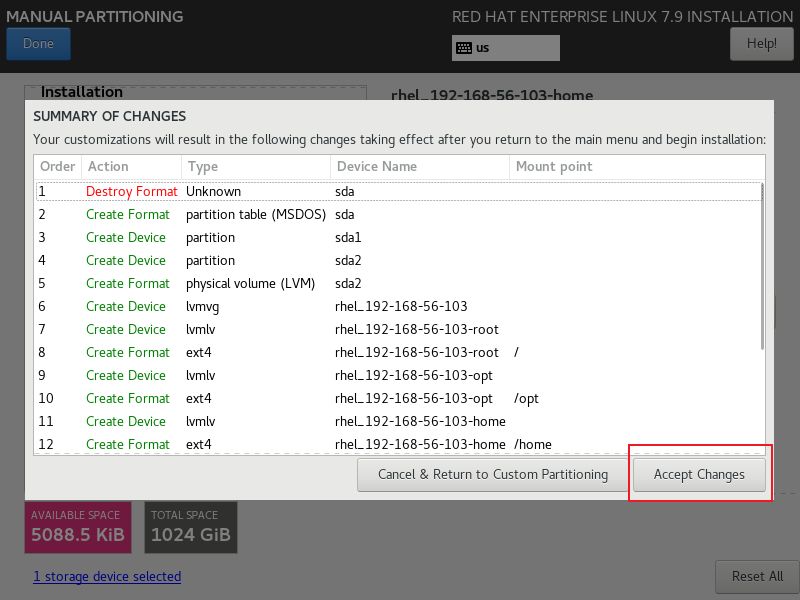
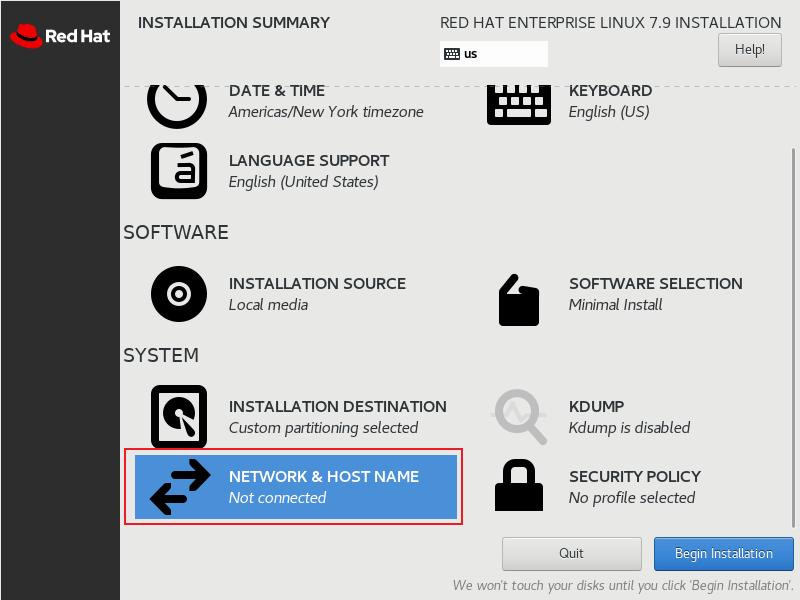
系統分區:

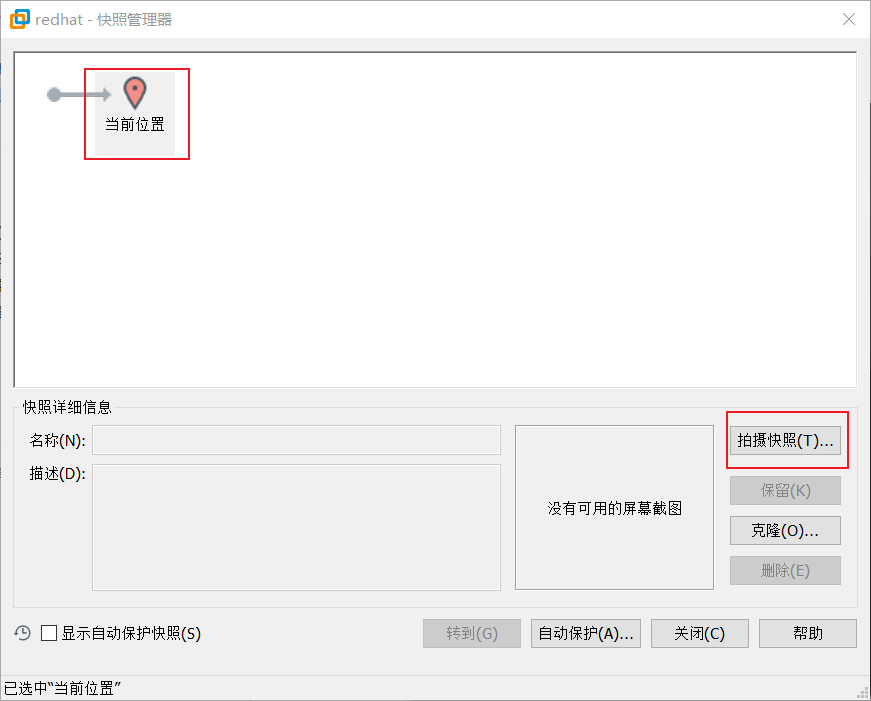
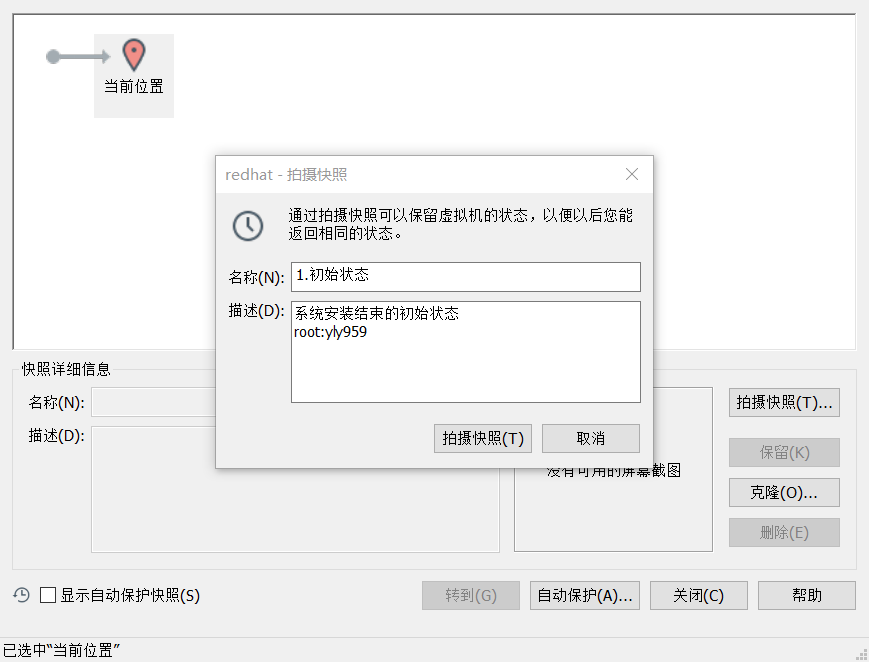
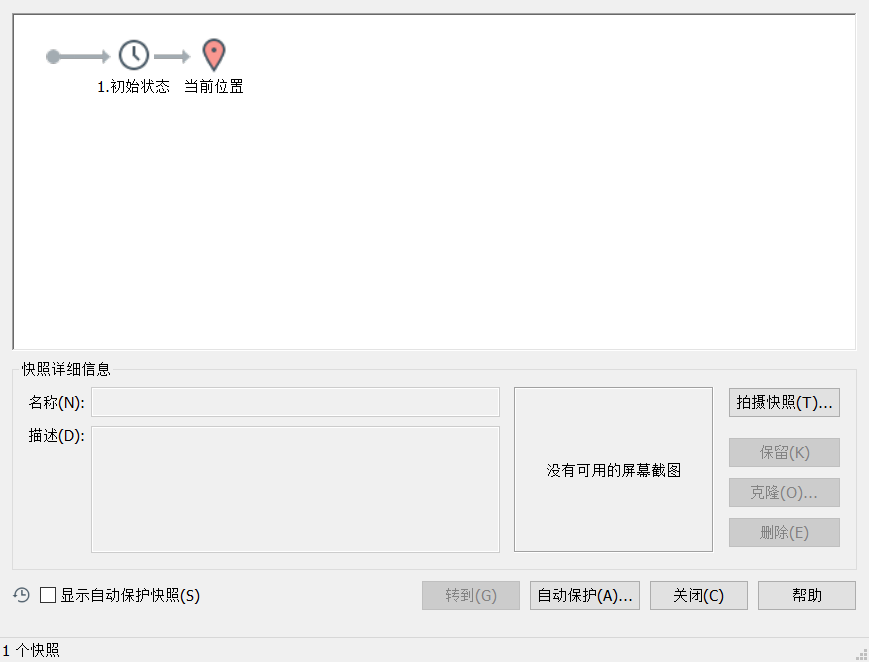
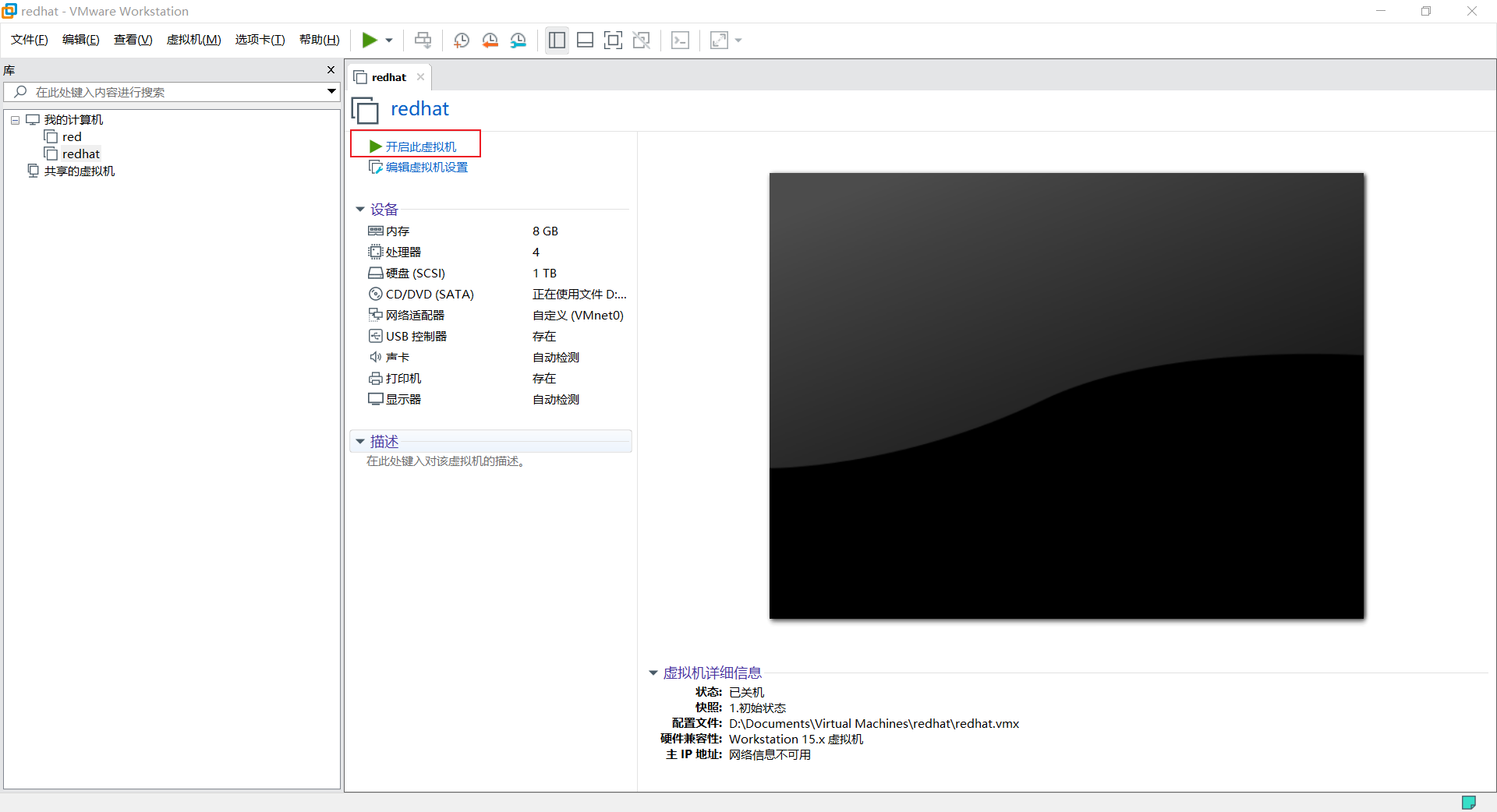
建立快照
關閉虛擬機->右鍵虛擬機->快照->快照管理器:
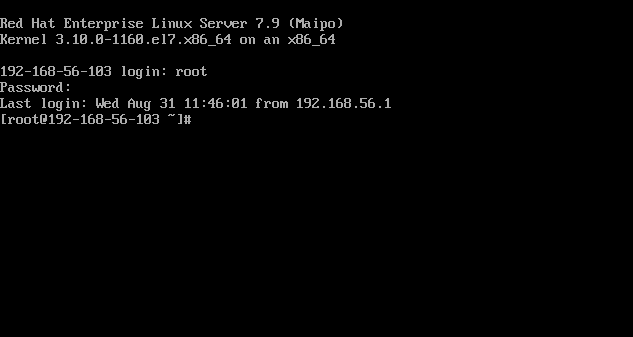
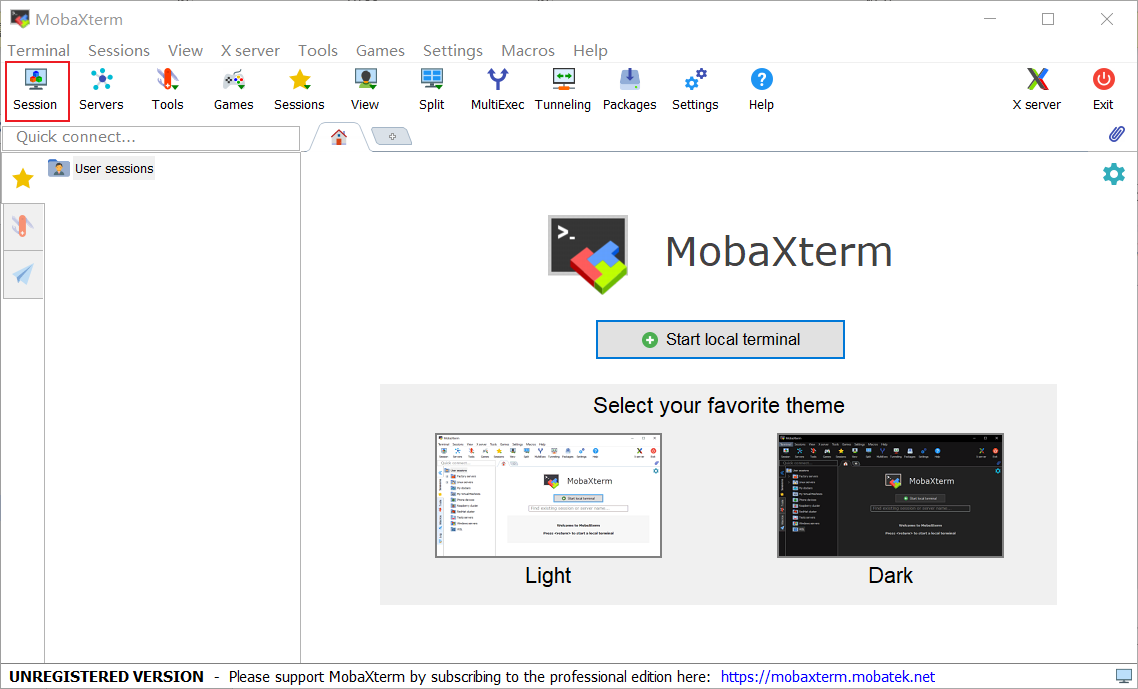
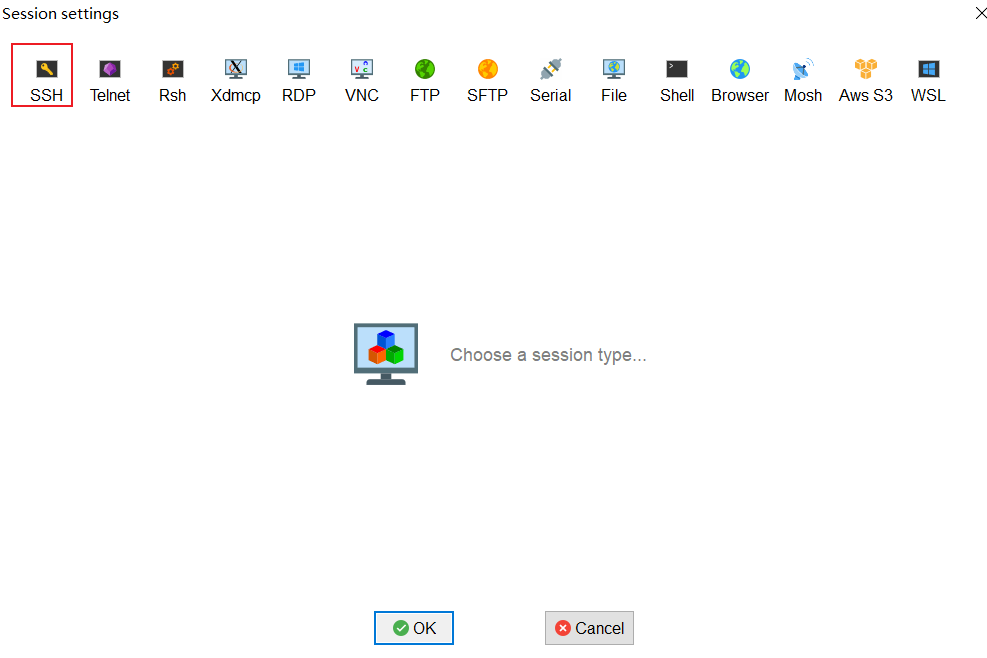
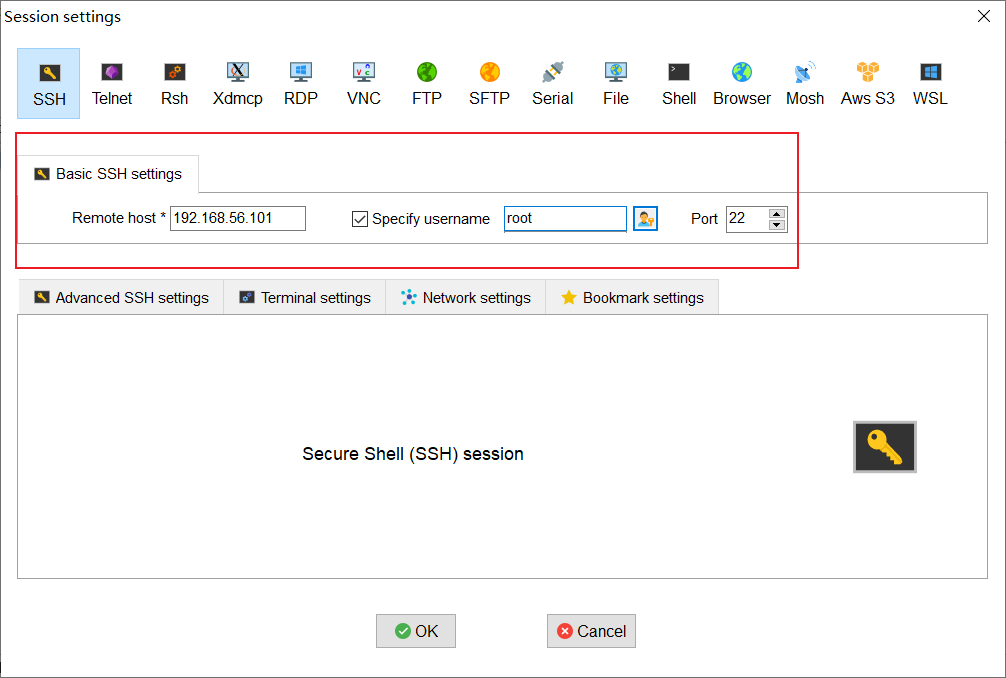
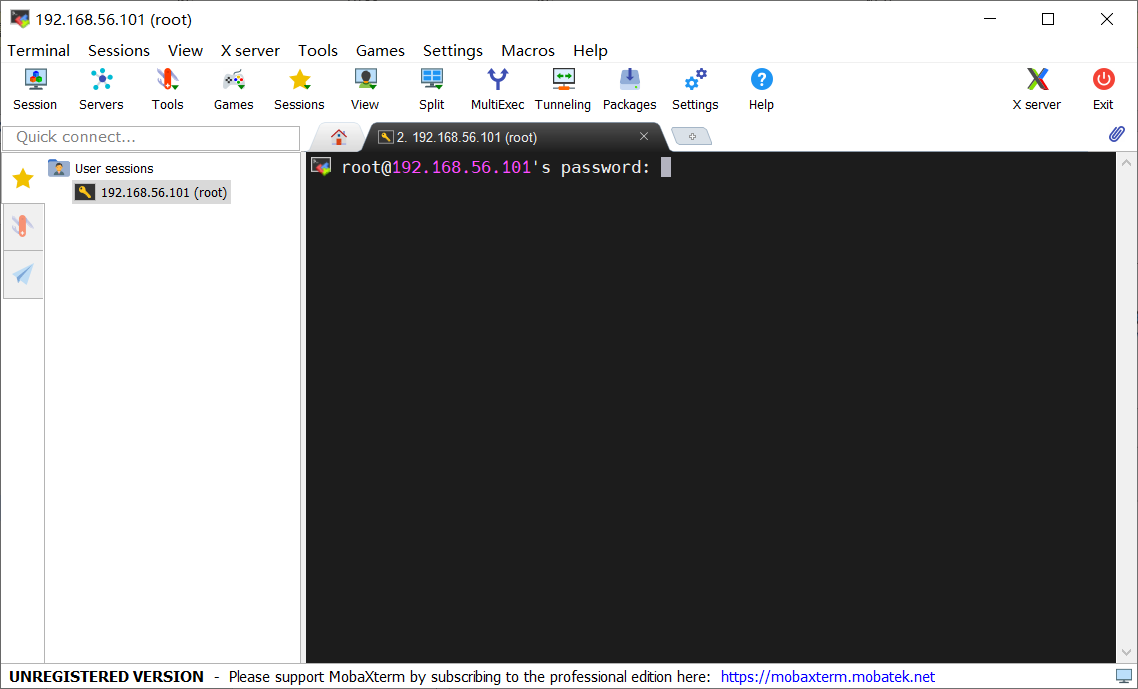
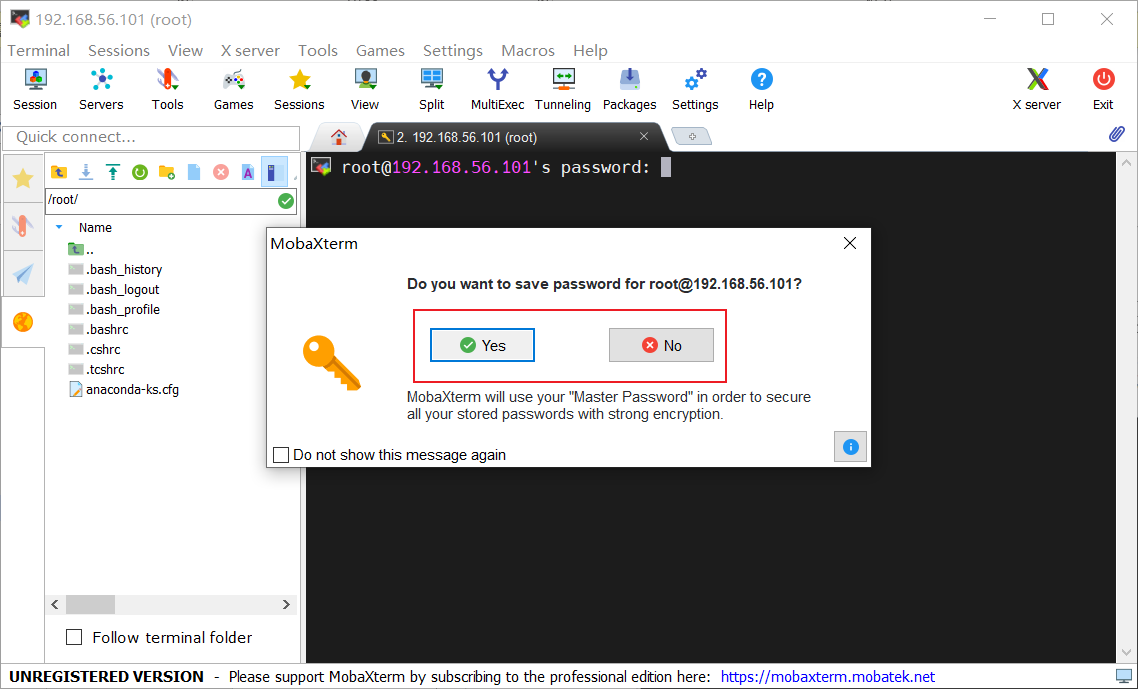
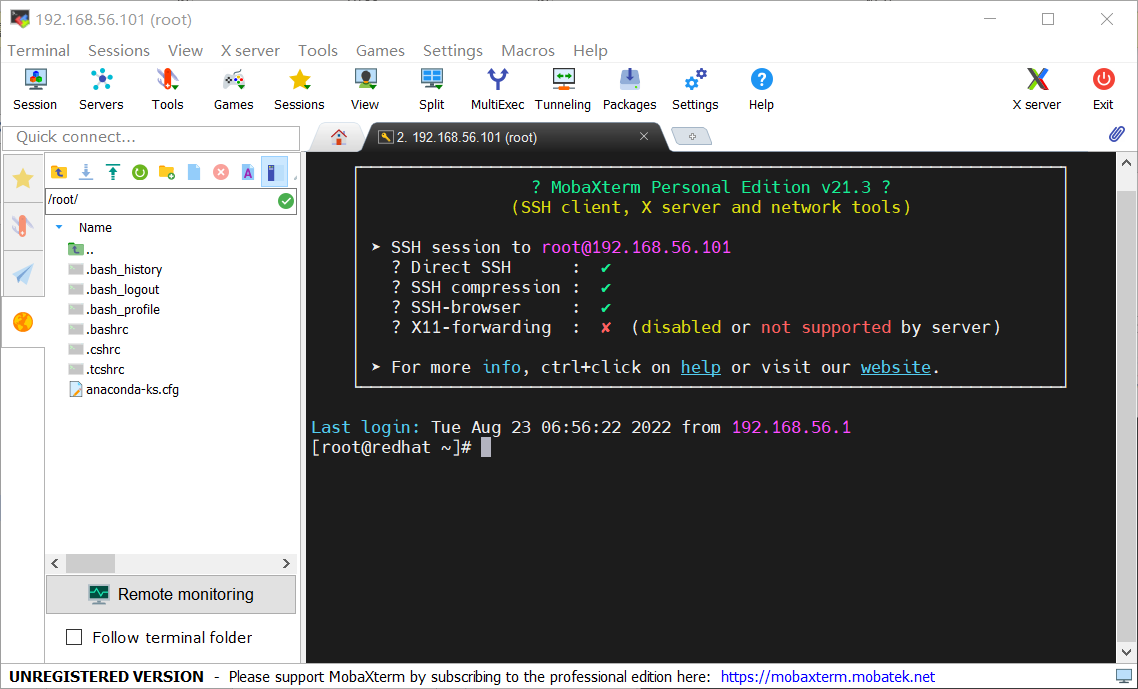
通過shh連接虛擬機
Mobaxterm:https://download.mobatek.net/2212022060563542/MobaXterm_Portable_v22.1.zip
下載->解壓->打開即用
MogDB環境準備
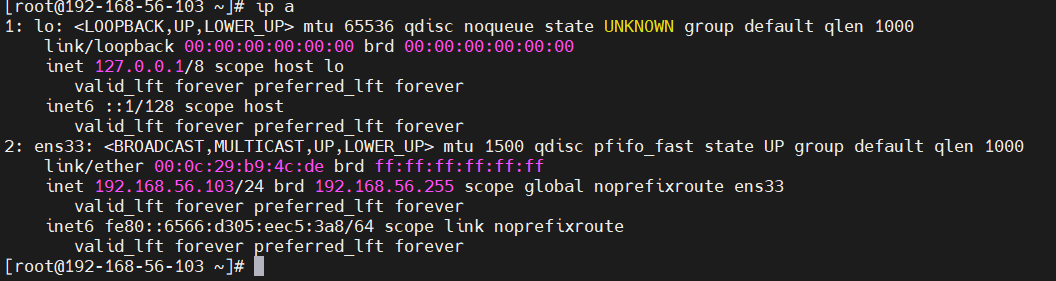
查看IP
[root@192-168-56-103 ~]# ip a
查看內存
[root@192-168-56-103 ~]# free -m

查看系統環境
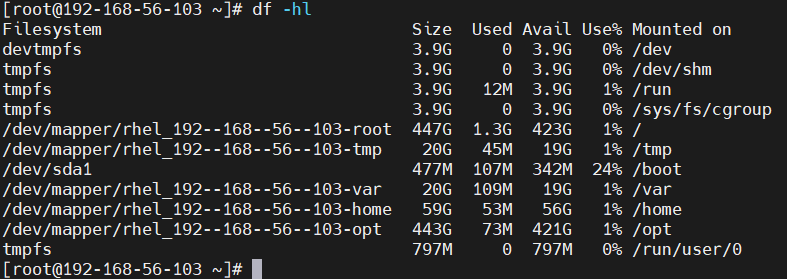
[root@192-168-56-103 ~]# df -hl
修改主機名
# 如果在安裝虛擬機過程中未修改主機名的,可以用以下方式修改主機名
[root@192-168-56-103 ~]#cat /etc/hostname
[root@192-168-56-103 ~]#hostnamectl set-hostname %主機名

# 檢查主機名和IP地址是否配置正確,需要配置主機名和IP
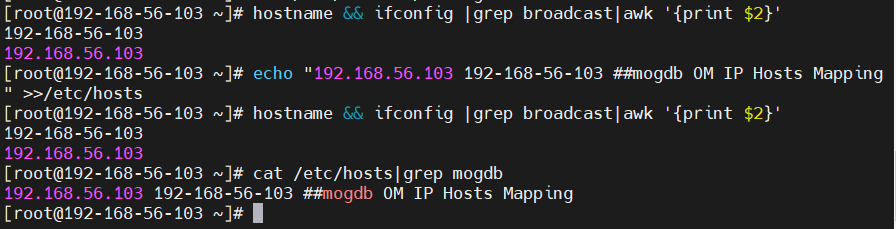
hostname && ifconfig |grep broadcast|awk '{print $2}'
# 添加主機IP到hosts文件
[root@192-168-56-103 ~]# echo “192.168.56.103 192-168-56-103 ##mogdb OM IP Hosts Mapping” >>/etc/hosts
# 檢查增加的記錄
cat /etc/hosts|grep mogdb
# 檢查主機名和IP地址是否配置正確
hostname && ifconfig |grep broadcast|awk '{print $2}'
cat /etc/hosts
關閉防火墻
# 查看防火墻狀態
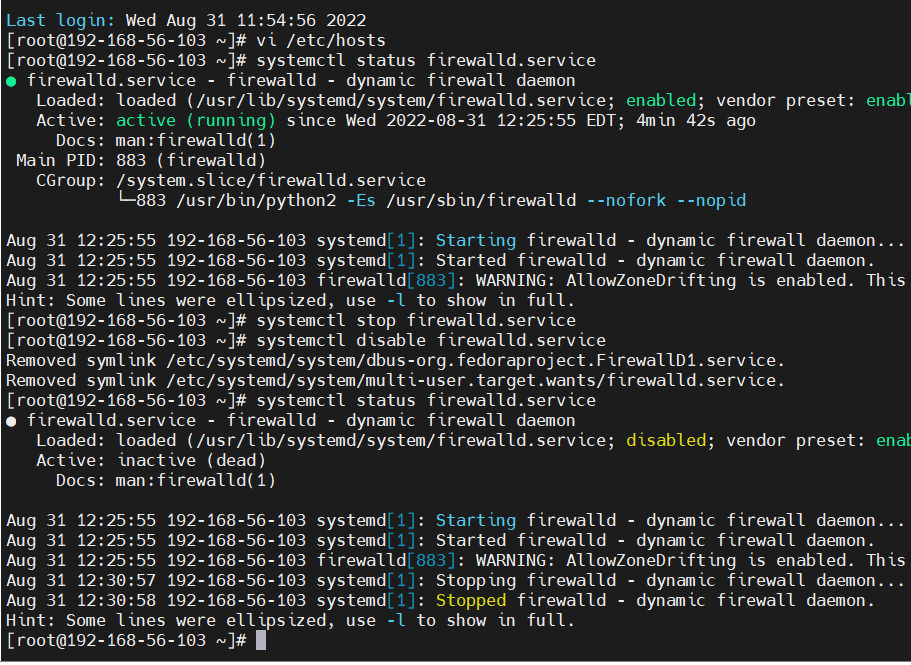
[root@192-168-56-103 ~]# systmctl status firewalld.service
# 停止防火墻
[root@192-168-56-103 ~]# systmctl stop firewalld.service
# 禁用防火墻
[root@192-168-56-103 ~]# systmctl disable firewalld.service
[root@192-168-56-103 ~]# systmctl status firewalld.service
禁用selinux
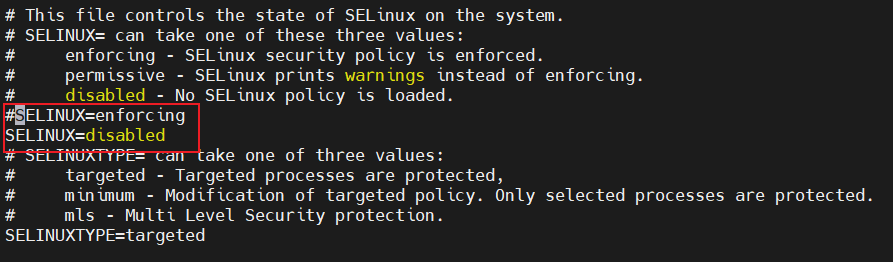
[root@192-168-56-103 ~]# vi /etc/selinux/config
配置本地yum源
# 掛載鏡像
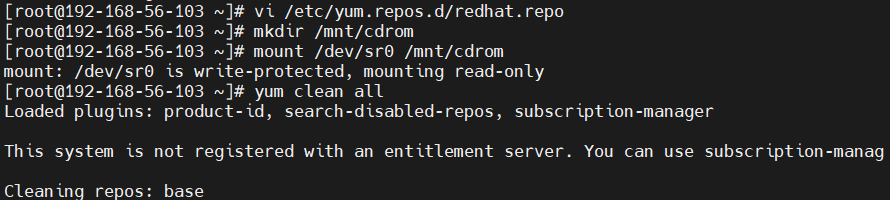
[root@192-168-56-103 ~]# mkdir -p /mnt/cdrom
[root@192-168-56-103 ~]# mount /dev/sr0 /mnt/cdrom
# 編輯yum源文件
[root@192-168-56-103 ~]# cd /etc/yum.repos.d/
[root@redhat yum.repos.d]# vi yum.repo
[base]
name=base
baseurl=file:///mnt/cdrom
enabled=1
gpgcheck=0
gpgkey=file:///etc/pki/rpm-gpg/RPM-GPG-KEY-redhat-release
[root@redhat yum.repos.d]# yum clean all
設置字符集參數
# 修改字符集
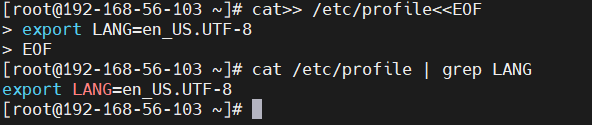
[root@redhat yum.repos.d]# cat>> /etc/profile<<EOF
export LANG=en_US.UTF-8
EOF
# 檢查
[root@redhat yum.repos.d]# cat /etc/profile | grep LANG
設置時區和時間
[root@192-168-56-103 ~]# rm -fr /etc/localtime
[root@192-168-56-103 ~]# ln -s /usr/share/zoneinfo/Asia/Shanghai /etc/localtime
[root@192-168-56-103 ~]# ll /etc/localtime

設置root用戶遠程登陸
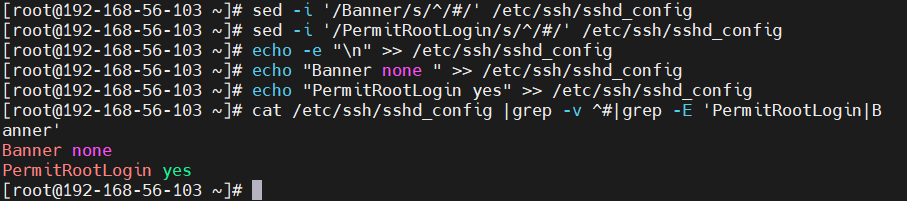
[root@192-168-56-103 ~]# sed -i ‘/Banner/s/^/#/’ /etc/ssh/sshd_config
[root@192-168-56-103 ~]# sed -i ‘/PermitRootLogin/s/^/#/’ /etc/ssh/sshd_config
[root@192-168-56-103 ~]# echo -e “\n” >> /etc/ssh/sshd_config
[root@192-168-56-103 ~]# echo "Banner none " >> /etc/ssh/sshd_config
[root@192-168-56-103 ~]# echo “PermitRootLogin yes” >> /etc/ssh/sshd_config
[root@192-168-56-103 ~]# cat /etc/ssh/sshd_config |grep -v ^#|grep -E 'PermitRootLogin|Banner’
關閉透明頁
# 關閉透明頁
echo never > /sys/kernel/mm/transparent_hugepage/enabled
#檢查:
cat /sys/kernel/mm/transparent_hugepage/enabled

修改限制參數
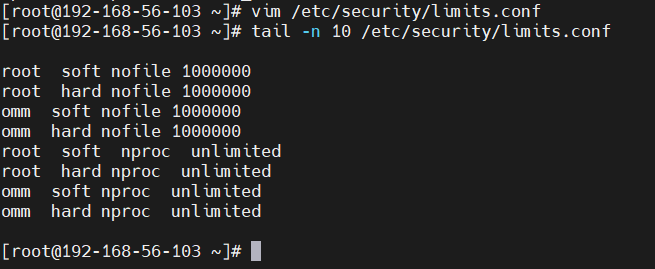
vim /etc/security/limits.conf
root soft nofile 1000000
root hard nofile 1000000
omm soft nofile 1000000
omm hard nofile 1000000
root soft nproc unlimited
root hard nproc unlimited
omm soft nproc unlimited
omm hard nproc unlimited
配置操作系統參數
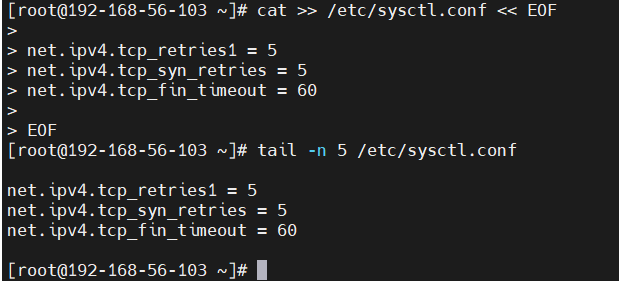
cat >> /etc/sysctl.conf << EOF
net.ipv4.tcp_retries1 = 5
net.ipv4.tcp_syn_retries = 5
net.ipv4.tcp_fin_timeout = 60
EOF
創建相關目錄
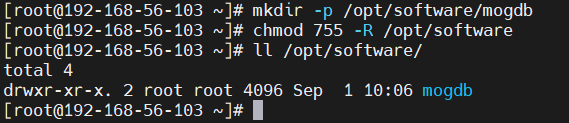
mkdir -p /opt/software/mogdb
chmod 755 -R /opt/software
安裝相關軟件包
yum install -y lksctp*
yum install -y java-1.8.0-openjdk* psmisc bzip2 python3 python3-devel
yum install libaio-devel flex bison ncurses-devel glibc-devel patch readline-devel redhat-lsb-core openssh expect
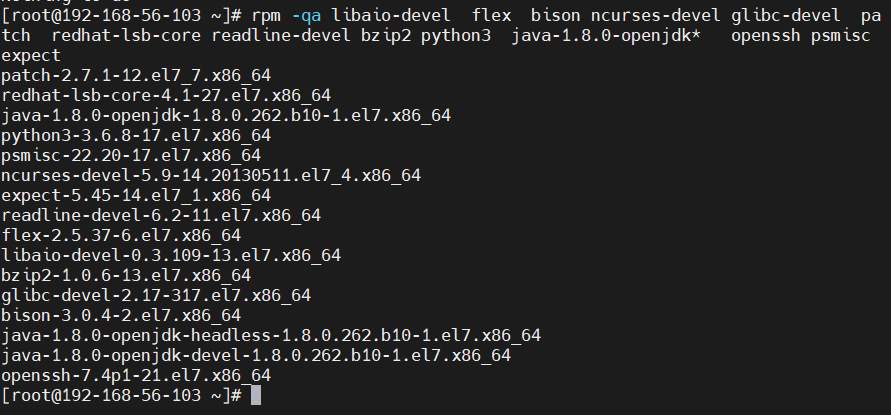
# 檢查
rpm -qa libaio-devel flex bison ncurses-devel glibc-devel patch redhat-lsb-core readline-devel bzip2 python3 java-1.8.0-openjdk* openssh psmisc expect
MogDb單機安裝
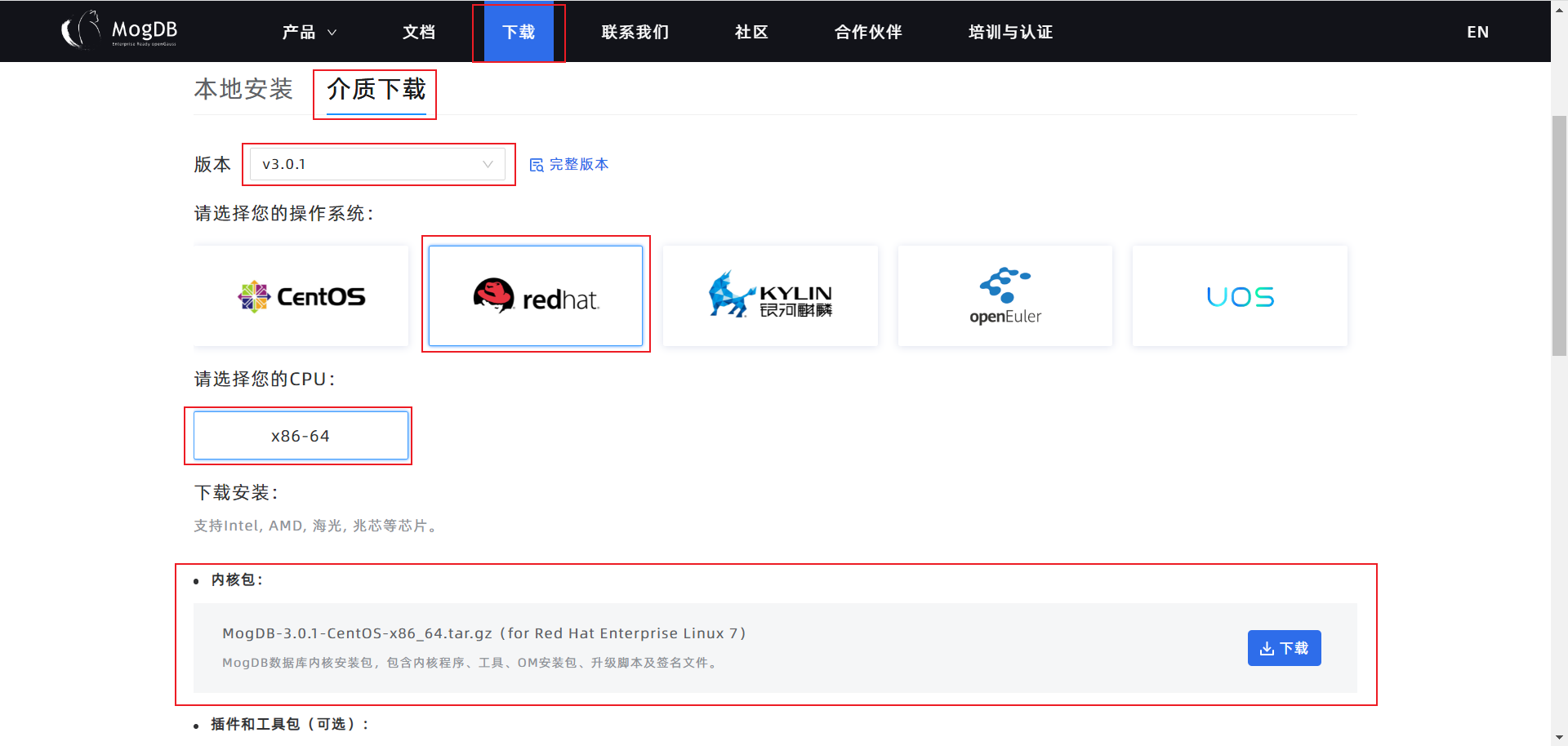
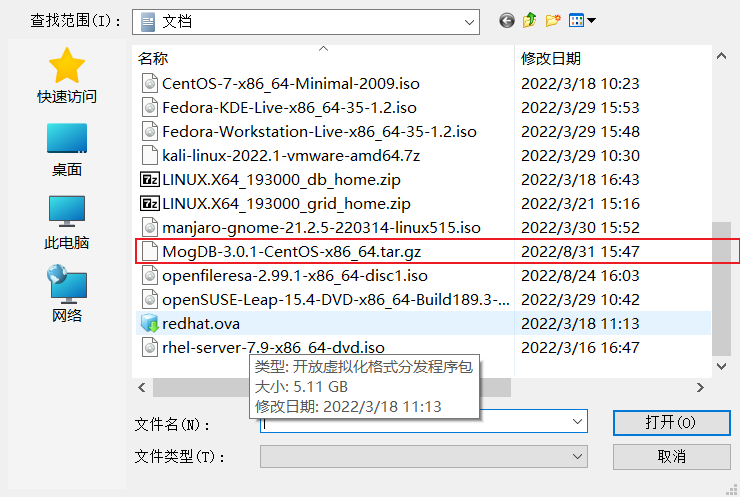
下載MogDB
上傳壓縮包
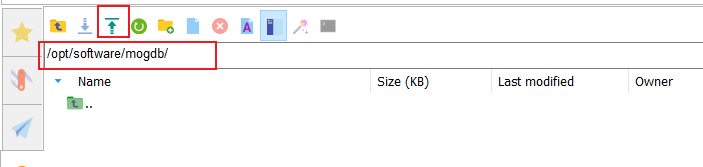
借助Mobaxterm上傳文件到虛擬機

解壓
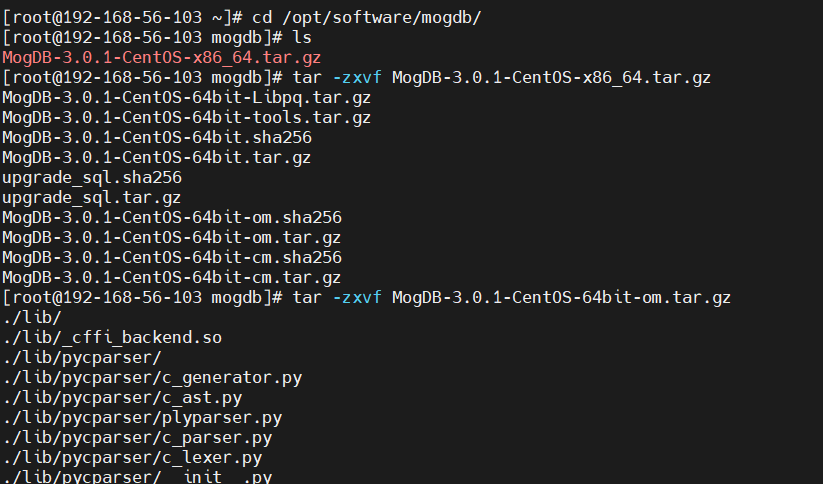
cd /opt/software/mogdb
tar -zxvf MogDB-3.0.1-CentOS-x86_64.tar.gz
tar -zxvf MogDB-3.0.1-CentOS-64bit-om.tar.gz
創建XML文件
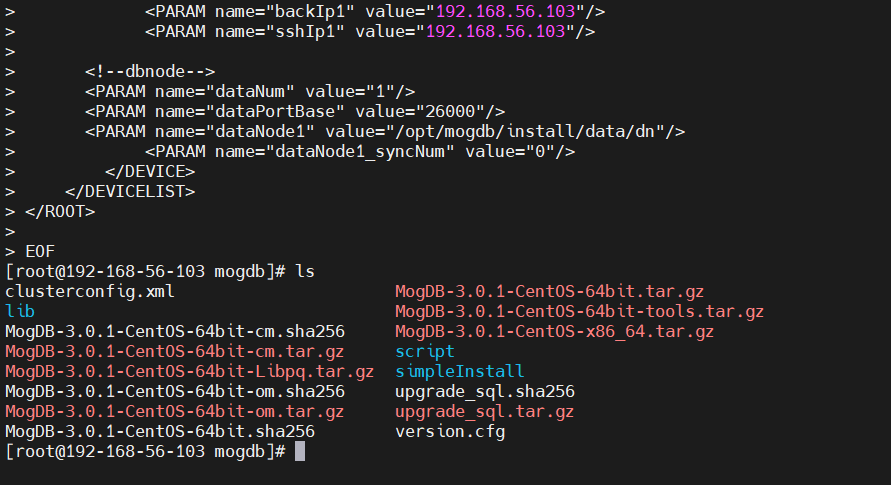
cd /opt/software/mogdb
cat > clusterconfig.xml<<EOF
EOF
配置環境變量
cat>> /etc/profile<<EOF
export LD_LIBRARY_PATH=/opt/software/mogdb/script/gspylib/clib:$LD_LIBRARY_PATH
EOF
source /etc/profile
echo $LD_LIBRARY_PATH

交互式檢查
cd /opt/software/mogdb/script
./gs_preinstall -U omm -G dbgrp -X /opt/software/mogdb/clusterconfig.xml
Parsing the configuration file.
Successfully parsed the configuration file.
Installing the tools on the local node.
Successfully installed the tools on the local node.
Setting host ip env
Successfully set host ip env.
Are you sure you want to create the user[omm] (yes/no)? yes
Please enter password for cluster user.
Password:
Please enter password for cluster user again.
Password:
Generate cluster user password files successfully.
Successfully created [omm] user on all nodes.
Preparing SSH service.
Successfully prepared SSH service.
Checking OS software.
Successfully check os software.
Checking OS version.
Successfully checked OS version.
Creating cluster’s path.
Successfully created cluster’s path.
Set and check OS parameter.
Setting OS parameters.
Successfully set OS parameters.
Warning: Installation environment contains some warning messages.
Please get more details by “/opt/software/mogdb/script/gs_checkos -i A -h 192-168-56-103 --detail”.
Set and check OS parameter completed.
Preparing CRON service.
Successfully prepared CRON service.
Setting user environmental variables.
Successfully set user environmental variables.
Setting the dynamic link library.
Successfully set the dynamic link library.
Setting Core file
Successfully set core path.
Setting pssh path
Successfully set pssh path.
Setting Cgroup.
Successfully set Cgroup.
Set ARM Optimization.
No need to set ARM Optimization.
Fixing server package owner.
Setting finish flag.
Successfully set finish flag.
Preinstallation succeeded.
交互模式安裝MogDB DBMS和創建數據庫
# 授權文件夾
chown -R omm:dbgrp /opt/software/mogdb/lib
chown -R omm:dbgrp /opt/software/mogdb/script
# 安裝MogDB
su - omm
/opt/software/mogdb/script/gs_install -X /opt/software/mogdb/clusterconfig.xml --gsinit-parameter="–locale=en_US.UTF-8" --gsinit-parameter="–encoding=UTF-8"
Parsing the configuration file.
Check preinstall on every node.
Successfully checked preinstall on every node.
Creating the backup directory.
Successfully created the backup directory.
begin deploy…
Installing the cluster.
begin prepare Install Cluster…
Checking the installation environment on all nodes.
begin install Cluster…
Installing applications on all nodes.
Successfully installed APP.
begin init Instance…
encrypt cipher and rand files for database.
Please enter password for database:
Please repeat for database:
[GAUSS-50322] : Failed to encrypt the password for databaseError:
Try “gs_guc --help” for more information.
Invalid password,it must contain at least eight characters
# 設置數據庫密碼格式要求:大寫+小寫+數字+特殊字符(任選3類,至少8 位)
Please enter password for database: huawei@1234
Please repeat for database: huawei@1234
begin to create CA cert files
The sslcert will be generated in /opt/mogdb/install/app/share/sslcert/om
NO cm_server instance, no need to create CA for CM.
Cluster installation is completed.
Configuring.
Deleting instances from all nodes.
Successfully deleted instances from all nodes.
Checking node configuration on all nodes.
Initializing instances on all nodes.
Updating instance configuration on all nodes.
Check consistence of memCheck and coresCheck on database nodes.
Configuring pg_hba on all nodes.
Configuration is completed.
Successfully started cluster.
Successfully installed application.
end deploy…
登陸數據庫
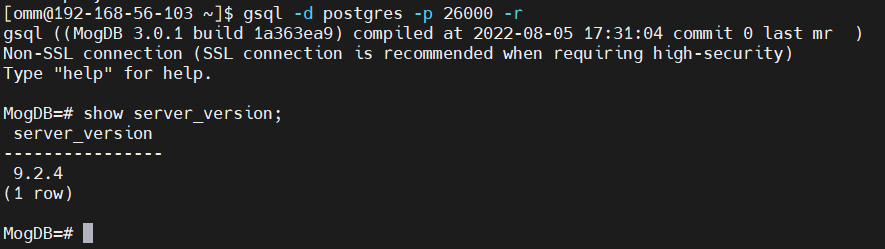
gsql -d postgres -p 26000 -r
show server_version;